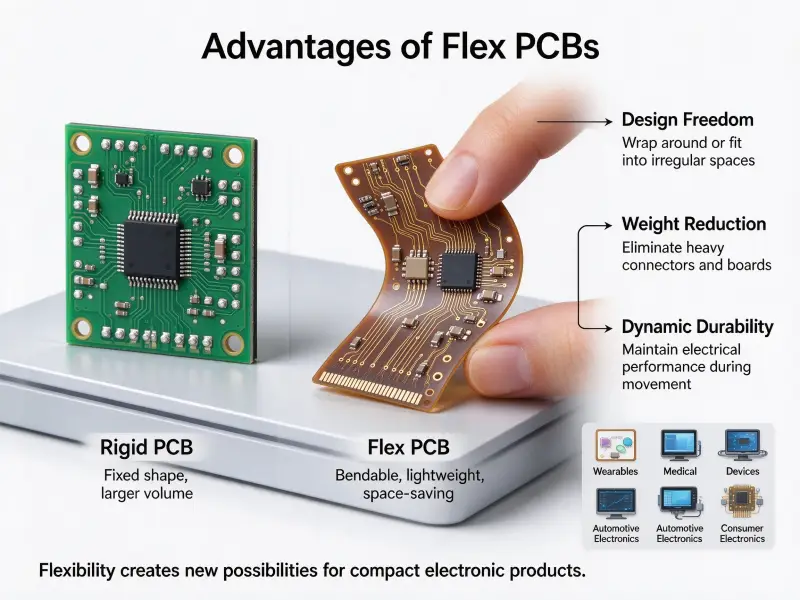
Circuit boards sit inside nearly every electronic product sold today, from kitchen appliances to industrial controllers. Anyone who buys or specifies electronics meets PCB terms sooner or later: layer counts, copper weight, surface finish, and assembly standards. Without a basic picture of how a board works, those terms are hard to judge. The core idea is simple, an insulating board that carries copper wiring, but the construction details decide performance and price. For a closer look at the raw materials, this guide to what are PCB boards made of covers substrates, copper, and finishes in depth.
A circuit board works by giving electricity fixed paths. Copper traces etched onto an insulating substrate connect metal pads, and components are soldered onto those pads. When power is applied, current flows from the power input through the traces into the components, and each component reshapes the voltage or current to perform a task. The trace pattern, the layer count, and the mix of components together decide what the finished board can do.
The sections below cover the physical parts of a board, how signals move through it, how layers and vias shape the design, how boards are made and assembled, and what causes them to fail.
What Is a Printed Circuit Board (PCB)?
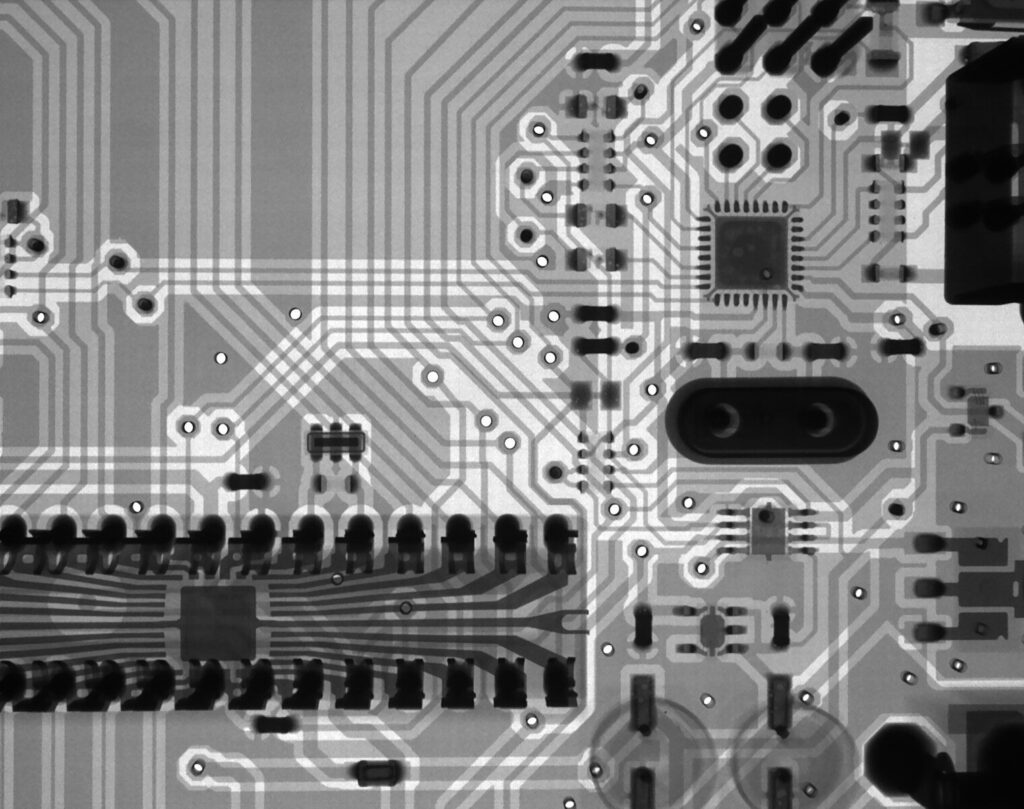
A printed circuit board is a flat panel of insulating material that carries copper conductors and holds electronic components in place. The copper pattern replaces loose wires, which makes the connections repeatable, compact, and practical for mass production.
The word “printed” refers to how the copper pattern is formed. The manufacturer starts with a copper-clad panel, applies a light-sensitive film, exposes it through the design artwork, and etches away the copper that is not needed. What remains is a set of traces, pads, and planes that match the layout created during design.
A finished bare board contains four basic elements:
- Substrate, usually FR4 fiberglass, which sets the board’s thickness and mechanical strength
- Copper layers, which carry current and signals between pads
- Solder mask, the protective coating, often green, that blocks solder from bridging between adjacent traces
- Silkscreen, printed reference labels that mark component positions, polarity, and test points
Boards range from one copper layer to more than twenty laminated together. More layers mean more routing space, which is why dense products such as servers and medical equipment rely on multilayer construction.
Key Parts of a Circuit Board and What They Do
A circuit board has two groups of parts: the bare board and the components soldered onto it. The bare board provides structure and wiring; the components perform the electrical work.
The bare board structure
The substrate does more than hold everything together. Its dielectric properties affect how fast signals travel and how much loss they suffer, which is why high-frequency designs use specialized laminates instead of standard FR4. Copper foil bonds to one or both sides of the substrate, and on multilayer boards, thin copper sheets alternate with prepreg layers and are pressed into one panel under heat and pressure.
Pads are the exposed copper areas where component leads land. The solder mask covers everything except the pads, connectors, and test points. Silkscreen ink sits on top and prints reference designators, so assemblers can identify each position without a drawing.
Components
Components fall into two families. Passive components, including resistors, capacitors, and inductors, condition signals and manage power without needing their own supply. Active components, including transistors, diodes, and integrated circuits, control current flow and process signals.
| Component | What it does | Common form |
|---|---|---|
| Resistor | Limits current and divides voltage | Two-terminal chip or cylinder |
| Capacitor | Stores charge, filters noise, stabilizes voltage | Ceramic or electrolytic |
| Inductor | Stores energy in a magnetic field, filters high frequencies | Wound coil or ferrite chip |
| Diode | Lets current flow in one direction, blocks reversal | Small two-terminal chip |
| Transistor | Switches or amplifies signals | Chip or through-hole package |
| Integrated circuit | Processes signals, stores data, controls logic | Multi-pin chip or module |
| Connector | Links the board to power, sensors, or other boards | Header, socket, or terminal block |
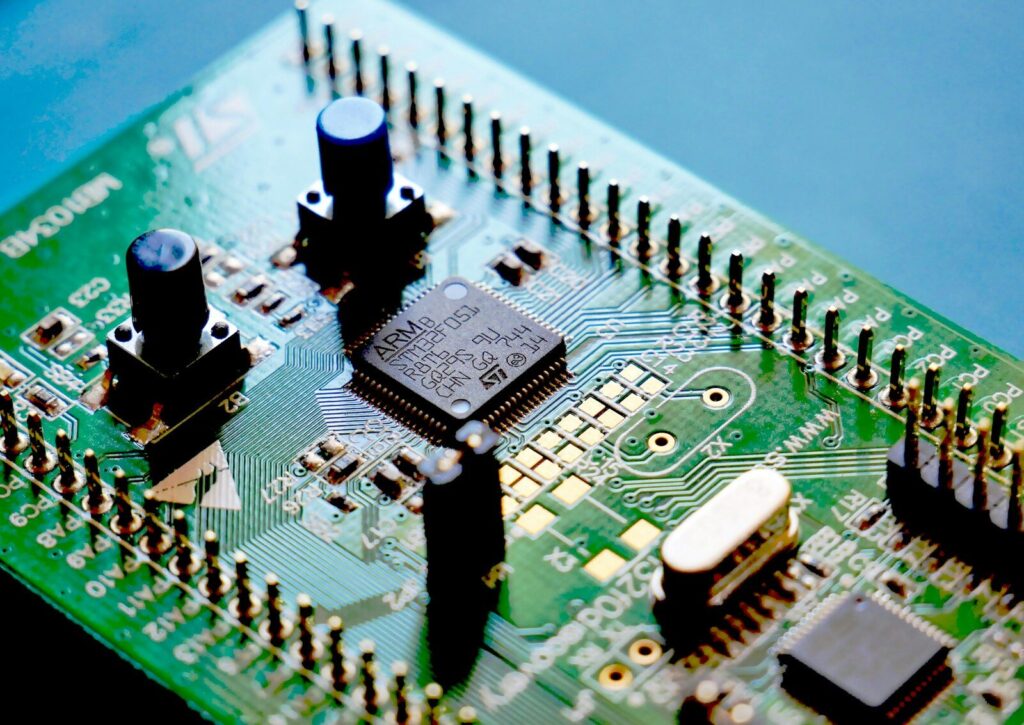
Most boards mix surface-mount devices (SMD) and through-hole parts. SMD parts sit on the surface, which allows automatic placement and high density. Through-hole parts have leads that pass through drilled holes and are soldered on the far side, which gives stronger mechanical joints for connectors and heavy parts.
How Signals Move Through a Circuit Board
Signals move along copper traces as controlled electrical energy. Power traces deliver energy from the supply to every component, signal traces carry data between them, and the ground plane provides the return path that closes every circuit.
Power distribution
When the board receives power, the first job is regulation. A voltage regulator converts the incoming supply, often a wide-range DC input, into the fixed levels the circuitry needs, commonly 5 V or 3.3 V. Decoupling capacitors placed near each integrated circuit act as small local energy reserves, supplying sudden current demands and absorbing voltage spikes before they disturb neighboring circuits.
Signal path and ground return
Once power is stable, a clock source sets the timing, and the circuit starts to work. A typical chain looks like this:
- An input device, such as a sensor or a connector, feeds a signal onto the board
- Signal traces carry it to a processing component, often a microcontroller or processor
- The IC reads, computes, or converts the signal according to its programming
- Output traces carry the result to a driver, a display, a motor control, or a communication port
- Return current flows back through the ground plane to complete the loop
Every signal needs a return path. Designers place a continuous ground plane under the signal traces so return current can flow directly beneath its signal, which keeps the loop area small and limits noise and electromagnetic interference. When a layout lacks a clean return path, signals radiate, crosstalk appears, and the board may fail emissions testing even though the logic works.
Layers, Vias, and Trace Width
The physical structure of the board, including the layer count, the layer connections, and the trace width, sets how much circuitry fits on the panel and how much current it can handle.
Board types
| Type | Structure | Typical applications |
|---|---|---|
| Single-sided | Copper on one side only | Simple appliances, LED lighting, relays |
| Double-sided | Copper on both sides, connected by vias | Power supplies, industrial controls, automotive units |
| Multilayer | Three or more copper layers laminated with insulating prepreg | Computers, telecom equipment, medical devices |
| Rigid-flex | Rigid sections joined by flexible polyimide layers | Wearables, aerospace, compact assemblies |
Single-sided boards are the cheapest and easiest to inspect. Double-sided boards nearly double the routing space. Multilayer boards add dedicated power and ground planes, which improves signal integrity and shrinks the footprint.
Vias
A via is a small plated hole that connects traces on different layers. Three types cover most designs:
- Through-hole vias run from the top surface to the bottom and are the cheapest to produce
- Blind vias connect an outer layer to an inner layer and stop there
- Buried vias connect inner layers only and stay invisible from outside
Blind and buried vias free up surface space on dense boards but cost more because each requires extra drilling and plating steps.
Trace width
Trace width and copper thickness together decide how much current a trace can carry without overheating. A narrow trace on a thin copper layer heats up quickly under load, so power paths use wide traces or copper pours. High-speed signal traces have a different concern: their width and spacing control impedance, and the design must keep that impedance consistent so signals do not reflect. Designers follow calculators and industry guidance, such as the standards published by IPC, to set these values for a given current or signal speed.
How a Circuit Board Is Made and Assembled
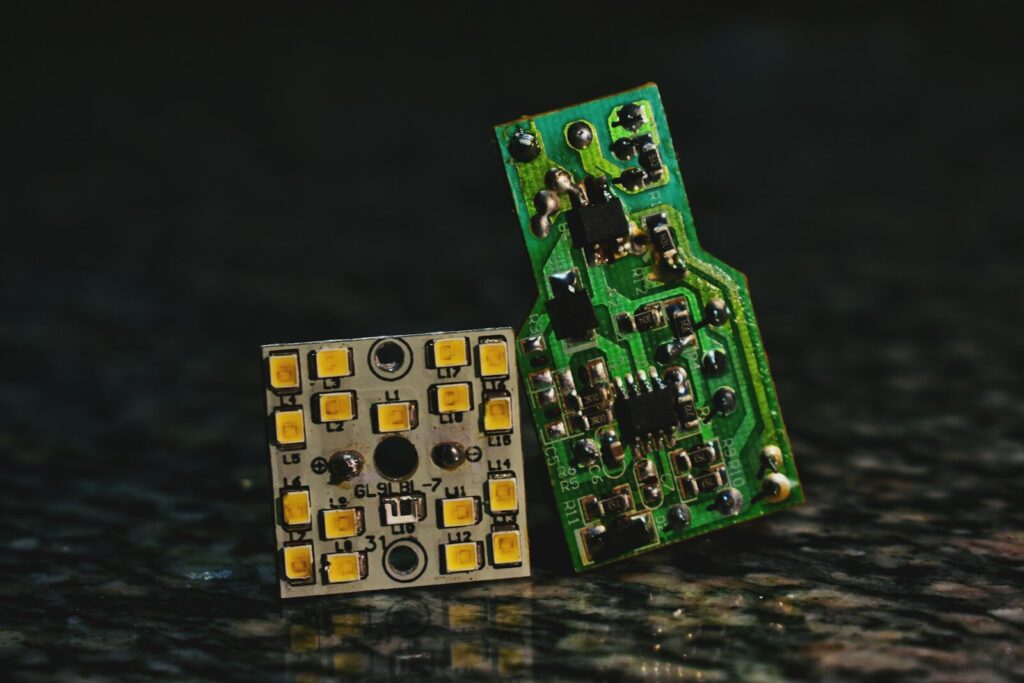
Manufacturing happens in two stages: fabrication produces the bare board, and assembly mounts and solders the components. Most buyers source both from the same supplier or from two closely coordinated ones.
Fabrication
The bare board is built layer by layer:
- Cut the substrate panels to size and clean them
- Image the circuit pattern onto the copper with photoresist and etch away the exposed copper
- Lay up inner layers with prepreg, align them, and press the stack under heat and pressure
- Drill holes for vias and through-hole parts
- Plate the holes with copper so the layers connect electrically
- Apply the solder mask and cure it
- Add the surface finish, such as HASL or ENIG, to protect exposed copper
- Print the silkscreen, route the panel to shape, and run electrical testing on every board
The fabrication stage ends with an electrical test, which checks continuity and isolation before any components are mounted.
Assembly
Assembly turns the bare board into a working circuit board:
- Print solder paste onto the pads through a stencil
- Pick-and-place machines position SMD parts at high speed
- A reflow oven melts the paste and forms the solder joints
- Through-hole parts are inserted, either manually or by machine
- Wave soldering or selective soldering joints the through-hole side
- Automated optical inspection and functional testing catch defects before shipment
Assembly quality is judged against industry acceptance standards, most notably IPC-A-610, which defines what a good solder joint looks like and which defects require rework. For teams that outsource this stage, a partner offering faster PCB assembly shortens the path from design files to tested boards, which matters during prototyping and tight production schedules.
How Do I Wire a Circuit Board?
Wiring means making electrical connections between the board and other parts of a system or replacing a connection on the board itself. In practice this happens in two ways:
- Board-to-system wiring: wires are soldered to designated pads or fastened to terminal blocks and connectors, following the silkscreen labels for polarity and position
- On-board connections: component leads are soldered into pads or holes with a temperature-controlled iron, using just enough solder to cover the pad and the lead
The sequence is the same either way: clean the pad, add a small amount of solder, join the parts, hold them still while the joint cools, and inspect the result. Cold joints, solder bridges, and burned pads are the common failures to avoid.
How Does a PCB Get Damaged?
Most board damage comes from a handful of causes: heat, electrical overstress, moisture, contamination, and physical stress. Each has recognizable symptoms and practical prevention.
- Overheating. Components running above their rated temperature age faster, and sustained heat darkens the substrate and degrades solder joints. Adequate copper area, heat sinks, and airflow keep temperatures down.
- Overvoltage and electrostatic discharge. An input above the component ratings, or a static discharge during handling, can punch through IC internals. Rated supplies, surge protection, and grounded handling prevent most cases.
- Moisture and corrosion. Humidity reaches exposed copper and causes oxidation, and in worse cases water creates leakage paths between traces. Conformal coating protects boards in damp or outdoor conditions.
- Flux residue and contamination. Leftover flux attracts moisture and dust, which slowly lowers insulation resistance between pads. Thorough cleaning after soldering avoids this.
- Mechanical stress. Bending a board during installation, over-tightening screws, or repeated thermal flexing can crack traces and solder joints, often near heavy components or board edges.
- Power-up faults. Reversed polarity or a shorted input can destroy several components at once, which is why most designs include protection diodes and fuses.
A damaged board is not always finished. Rework stations routinely replace failed components, repair broken traces with jumper wire, and reflow cracked joints, though damage inside a multilayer board is often uneconomical to fix.
FAQ
How long does a circuit board last?
There is no fixed lifespan. A well-built board in a mild environment commonly works for decades, while heat, humidity, and constant power cycling shorten that considerably. Thermal cycling is the main aging mechanism, because repeated expansion and contraction fatigue solder joints over time. Enclosures that control temperature and moisture extend service life more than any single component choice.
Can a damaged circuit board be repaired?
Yes, many faults are repairable. Failed components, cracked solder joints, and broken outer-layer traces can all be reworked with standard tools. Repair makes sense when the fault is visible and the board is worth more than the labor. Damage inside a multilayer board, burned substrate, or corroded plating is usually not worth repairing, and replacement is the practical option.
What copper thickness do circuit boards use?
Most standard boards use 1 oz copper, about 35 micrometers thick, on each outer layer. Power boards and automotive boards often step up to 2 or 3 oz to carry higher current, and heavy-copper designs go beyond that for industrial equipment. Inner layers on multilayer boards frequently use thinner copper to save space for signal routing.