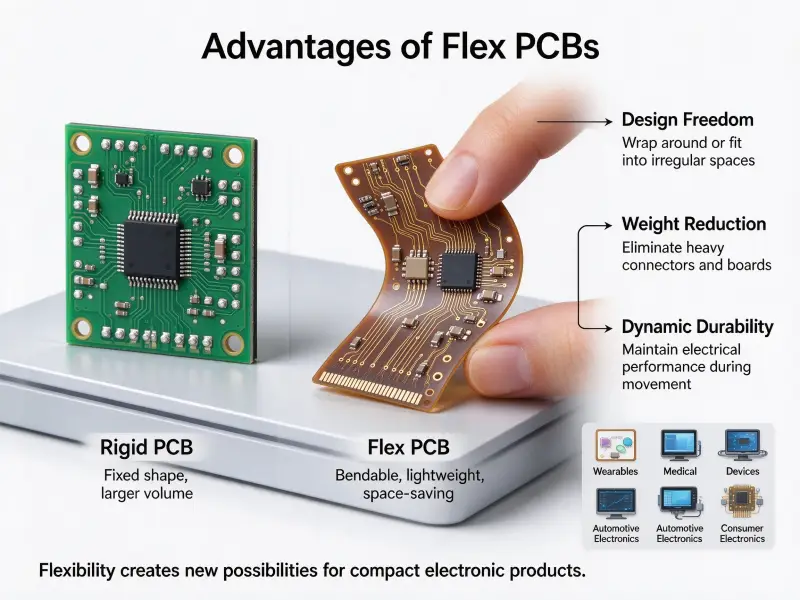
A printed circuit board is the carrier that holds and connects the components inside almost every electronic product, from a router to a medical monitor. Demand keeps rising with it: Prismark figures cited by the Taiwan Printed Circuit Association put global PCB output at about USD 95.7 billion in 2026, roughly 12.5 percent up from 2025 (checked 13 October 2026). Turning a circuit idea into a working board means moving through design software, a stack of fabrication steps, and a series of inspection checks, and most teams end up looking for custom PCB manufacturing instead of building everything in-house. Knowing what happens at each stage makes it easier to design a board a factory can build well.
You create a PCB in four stages: design the board in EDA software, export manufacturing data such as Gerber and drill files, hand that data to a fabricator who images, etches, laminates, drills, plates, and finishes the board, then test the result before assembly. A simple single-sided board can be made at home, but boards with fine traces, multiple layers, or a production volume belong with a fabrication house.
The sections below follow that order, from how a board is built up to what each fabrication step does and what drives the final price.
What goes into a printed circuit board
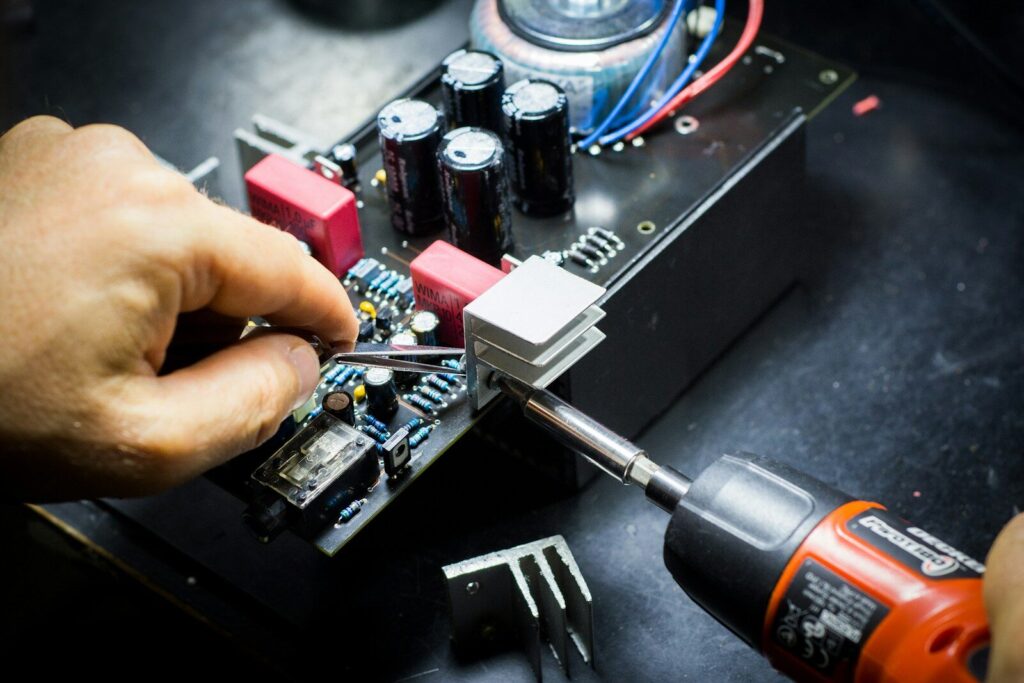
A standard board is a stack of copper and insulating layers bonded under heat and pressure, with a protective polymer coating on top. The substrate gives the board mechanical strength, the copper carries current and signals, the solder mask controls where solder lands, and the silkscreen prints the labels the assembly needs.
Everything else in the process exists to serve those five elements. The same stack shows up across pcb electronics of every kind, from a phone charger to a server board. Fabrication is the business of creating copper patterns accurately, joining layers without trapping air or moisture, and protecting the copper that stays exposed.
Single, double, and multilayer boards
The layer count is the first structural decision, and it changes the whole process downstream.
- A single-sided board has copper on one face only. It suits low-density circuits and skips inner-layer work and lamination entirely.
- A double-sided board adds copper on both faces and connects them with plated through-holes. It is the most common choice for prototypes.
- A multilayer board sandwiches one or more cores between prepreg and copper foil. Each additional pair of layers adds another lamination cycle, another alignment step, and more inspection.
The layers inside a standard board
| Layer | Typical material | Function |
|---|---|---|
| Substrate (core) | Woven glass fiber with epoxy resin, FR-4 grade | Mechanical support and insulation between conductors |
| Copper foil | Rolled or electrodeposited copper | Forms the traces, pads, and planes that carry current |
| Prepreg | Partly cured resin-impregnated glass fiber | Bonds cores and foils together during lamination |
| Solder mask | Cured polymer coating | Blocks oxidation and stops solder bridging between pads |
| Silkscreen | Cured ink | Prints reference designators, orientation marks, and polarity |
The stack is symmetrical by design. Uneven layer thickness or resin content makes the board bow after cooling, which then causes problems in assembly.
The PCB manufacturing process flow at a glance
A PCB moves through roughly a dozen stages: data preparation and design-for-manufacturability review, material cutting, inner-layer imaging and etching, lamination, drilling, plating, outer-layer imaging and etching, solder mask and silkscreen, surface finish, electrical test, profiling, and final inspection.
Read that list as a pcb process flow chart for a multilayer board; the pcb manufacturing process flow chart in the sections below follows the same order. The sequence matters because each stage locks in decisions the next one cannot undo. Inner-layer defects, for example, are sealed inside the board after lamination and can no longer be repaired, which is why optical inspection happens before the stack is pressed rather than after.
Single-sided boards skip everything related to inner layers, and double-sided boards keep the drilling and plating but still need no lamination cycle of their own.
Step 1: designing the board
Designing a board means translating a circuit into two coordinated descriptions: a logical one that says what connects to what and a physical one that says where each part sits and how the copper is routed between them.
From schematic to netlist
The schematic captures a pcb circuit and its components symbolically. Software then compiles it into a netlist, a machine-readable list of every required connection. The netlist is the contract the physical layout has to satisfy. If a net is missing or wrongly named, no amount of careful routing will fix it.
Layout, placement, and routing
Layout is where the schematic meets physics. Component placement decides thermal paths, return-current routes, and how much room is left for routing. Trace width is set by current and by the impedance the circuit expects. High-speed nets need controlled impedance, matched lengths, and continuous reference planes underneath. Every one of those is a pcb board design decision that the fabrication step later has to live with.
Is PCB design easy or difficult?
For a two-layer board with through-hole parts, a beginner can produce a workable layout in a weekend. Difficulty arrives with density rather than with the concept. Once you add area-array packages, differential pairs, or power integrity requirements, the same software becomes a discipline that takes years to get good at.
Whichever level you are at, one check prevents more wasted money than any other: the design rule check. It compares your layout against the fabricator’s stated capability, for example, minimum trace width, minimum spacing, annular ring, and copper-to-edge clearance. Running it before you release files costs nothing. Discovering a violation after the first batch is produced costs a re-spin.
Step 2: preparing the fabrication data
Fabrication data is the file package a factory needs to build the board without guessing: layer artwork, drill data, board outline, stackup, material and copper weight, surface finish, and quantity.
Gerber, drill, and stackup files
The artwork for each layer is exported as Gerber data, which describes copper, solder mask, and silkscreen as geometric features independent of any one design tool. Drill data lists hole coordinates and diameters and flags which holes are plated. A fabrication drawing or stackup table ties the layers to material thickness, copper weight, and finish.
DFM review and panelization
Before production starts, a manufacturing engineer reviews the package against the factory’s process limits. This review catches issues that design software cannot: acid traps that etch unevenly, solder mask slivers that will lift, and pads sized for a process the factory does not run. Boards are then arranged on a production panel to use material efficiently, with tooling rails and fiducials added for handling and alignment.
This step is also where a quote can move. If a specification is missing, the first price is calculated on an assumption, and the real price only appears after engineering review. Complete files produce stable quotes.
Step 3: fabricating the board
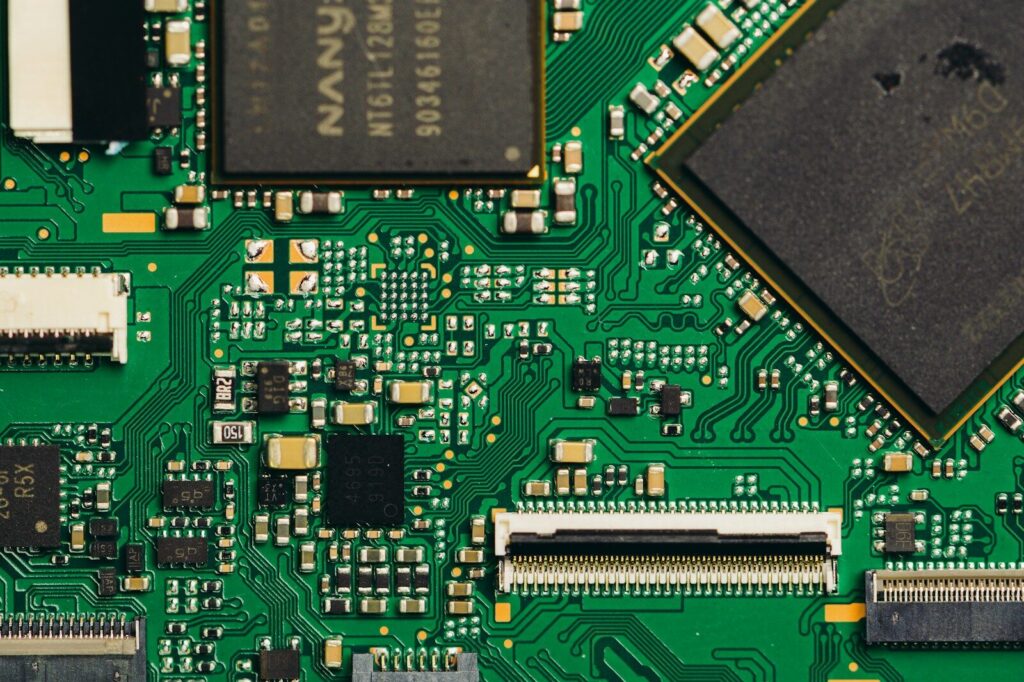
Fabrication turns the artwork into copper, joined layers, and plated holes. For a multilayer board the sequence is imaging and etching the inner layers, laminating the stack, drilling and plating the holes, then applying solder mask, silkscreen, and a surface finish.
Imaging and etching the copper layers
Imaging transfers the artwork onto a copper-clad surface. A light-sensitive resist is applied, exposed through the pattern, and developed so that only the areas to be protected remain. Etching then dissolves the exposed copper, leaving the traces behind, and a stripping step removes the resist.
This is the stage where inner/outer layer imaging accuracy decides the yield of the whole job. Pattern accuracy depends on how well the artwork is registered to the panel, on exposure energy, and on how well the etch chemistry is controlled. Over-etching thins and narrows every trace on the board at once. Because the inner layers are hidden after lamination, they are inspected optically and then pass through an oxidation step that roughens the copper so the resin bonds to it.
Laminating the stack
Inner layers, prepreg, and outer copper foil are stacked in the designed order and pressed under heat and pressure. The resin in the prepreg flows, fills the gaps around the traces, and then cures into a solid dielectric. The control points are the symmetry of the stack, the heating rate, and the pressure profile. Too fast a ramp traps voids, and an uneven stack warps.
After pressing, X-ray targets are used to check layer-to-layer registration before drilling.
Drilling and plating the vias
Mechanical drilling creates through-holes and, on thicker boards, blind or buried vias. Laser drilling handles microvias in high-density work. Drilling leaves a smear of resin on the copper inside the hole wall, so holes are desmeared and then metallized. On a volume line each of these steps runs on a dedicated pcb manufacturing machine, and the tightest tolerance in the room sets the limit for the whole board.
Plating happens in two steps. A thin electroless copper layer makes the hole wall conductive, and then electrolytic plating builds the copper up to the specified thickness. Hole-wall copper thickness and the aspect ratio of board thickness to hole diameter are the two figures that decide whether the connection survives thermal cycling.
Solder mask, silkscreen, and surface finish
Solder mask is printed and cured over the finished traces, leaving openings only at the pads. Silkscreen ink then prints reference designators and orientation marks. Finally, a surface finish protects the exposed copper and keeps it solderable.
| Finish | Surface flatness | Shelf life | Where it earns its cost |
|---|---|---|---|
| HASL | Low, uneven | Moderate | General-purpose boards with through-hole and coarse-pitch parts |
| Lead-free HASL | Low, uneven | Moderate | Same as HASL, where lead-free assembly is required |
| ENIG | High, flat | Long | Fine-pitch and area-array packages, long storage |
| OSP | High, flat | Short | Cost-sensitive boards assembled quickly |
| Immersion silver | High, flat | Moderate | High-frequency work |
| Immersion tin | High, flat | Moderate | Press-fit and fine-pitch assembly |
Step 4: testing and inspecting before shipment
A finished board is tested electrically and inspected visually before it leaves the factory. The electrical test proves the copper pattern matches the netlist, and the inspection proves the physical features fall inside the acceptance limits.
Electrical test checks continuity and isolation across every net on the board. The flying-probe test uses moving heads and needs no fixture, which suits prototypes and low volumes. The bed-of-nails test uses a dedicated fixture and is faster once quantities justify the tooling. Alongside electrical test, automated optical inspection compares the imaged pattern against the design data, and microsection analysis cuts a sample board to measure plating thickness and check the hole walls.
Acceptance is usually specified by class. IPC-6012F, the qualification and performance specification for rigid printed boards, defines three product classes with progressively tighter limits on annular ring, hole-wall copper, and voids. Class 1 covers general electronics, Class 2 dedicated service equipment, and Class 3 high-reliability products where uninterrupted service matters, such as medical and aerospace hardware. The class you specify changes what the pcb production line is allowed to accept, and it changes price, so it belongs in the fabrication drawing rather than in a conversation after the fact.
Are PCBs hard to make?
Making a PCB is not hard in principle, but it is unforgiving in practice. The difficulty scales with density, layer count, and quantity rather than with the idea itself.
A single-sided board with wide traces and through-hole parts can be produced on a bench with household chemicals. Move to 0.1 mm traces, four or more layers, or microvias, and the pcb fabrication techniques change completely: controlled chemistry, registered imaging, and inspection equipment a workshop cannot match.
| Route | Equipment needed | Practical limit | Best for |
|---|---|---|---|
| Hand-made board | Printer, etching bath, drill | Wide traces, single or double-sided | Learning and one-off prototypes |
| Prototype fabrication | Industrial imaging, etching, drilling, plating | Fine traces, 4 to 8 layers, small quantities | Design validation before tooling |
| Volume fabrication | Full line with optical inspection and electrical test | High-density and high layer counts, high volume | Production builds and regulated products |
The mistake to avoid is judging the work by the cosmetic result. A board can look clean and still fail later because a hole wall is too thin or a prepreg void opened during reflow.
Can you create your own PCB?
Yes, and the sensible route depends on how many you need and how tight the design is. One board for yourself can be made by hand, but anything you intend to sell is faster and cheaper through a fabricator.
Three practical routes exist. Hand fabrication transfers a printed pattern onto copper-clad laminate, etches it, drills it, and applies a finish by hand. CNC milling cuts the isolation paths with a small tool and avoids chemicals, at the cost of tool wear and limited trace resolution. Small-batch fabrication, the option most engineers pick, means sending design files to a factory that produces the board and returns tested units.
The break-even point is earlier than most beginners assume. Once a board has more than two layers, more than a handful of vias, or any requirement for a controlled finish, the setup you would need at home costs more than the boards.
Where to start if you are still learning PCB basics
Learning PCB design is mostly a repetition exercise, and pcb learning goes faster with tiny projects than with one ambitious board. Start with a single-sided board whose circuit you already understand, place the components, route it, and run a design rule check until it comes back clean. Send that board to a fabricator and assemble it. The mistakes you make on a small board teach more than a textbook chapter, because you can measure them.
What drives PCB price and lead time
Price comes from how much process the board needs and how much setup the order has to absorb. Layer count, board size, material, copper weight, minimum feature size, surface finish, quantity, testing, and delivery speed are the usual levers.
| Cost driver | Effect on price | Effect on lead time |
|---|---|---|
| More layers | Rises with each additional lamination cycle | Longer, as each cycle adds a queue |
| Larger board or poor panel use | Rises, as more panel area is consumed | Little change |
| Special material instead of standard FR-4 | Rises sharply | Longer, and it depends on stock |
| Heavier copper | Rises and forces wider spacing | Longer, with tighter process control |
| Finer minimum trace and spacing | Rises, with more inspection and scrap risk | Longer |
| Finer surface finish such as ENIG | Rises against HASL | Slightly longer |
| Higher quantity | Falls per unit as setup is spread | Longer in total, better per unit |
| Rush delivery | Rises, as planned work is displaced | Shorter, at a premium |
| Extra test or documentation | Rises per requirement | Longer |
Nothing on that list is a fixed number, and no careful supplier will quote one from a drawing alone. The same board can be quoted differently once the quantity, tolerance, or finish changes. That is why the useful question before ordering is not what a board costs, but what information the factory needs to quote it correctly.
FAQ
How much does it cost to create a PCB?
Cost follows the specification, not the cleverness of the circuit. A two-layer board within standard process limits is one of the cheapest items in electronics, while extra layers, special laminate, heavy copper, or tight tolerances multiply the price. Ask for quotes at a prototype quantity and at a pilot quantity, because the gap between them shows where the setup cost is concentrated.
How long does it take to create a PCB?
The clock starts when the file package is complete, not when you finish drawing. Expect a day or more for engineering review and panelization, then the fabrication sequence itself, then test and shipping. Rush service compresses the schedule by displacing other work, which is why it carries a premium rather than a discount.
What is the difference between creating a PCB and PCB assembly?
Creating a PCB produces a bare board: copper traces, plated holes, solder mask, silkscreen, and finish, with no components attached. Assembly is the separate stage that applies solder paste, places components, reflows them, and tests the finished assembly. Fabrication and assembly answer different questions, so they are quoted from different sets of files, and confusing the two is a common reason a first purchase order goes wrong.