Making a board at home stopped being a novelty a while ago. Free design tools, cheap copper-clad blanks, and small-batch fabrication services changed what one person can build on a kitchen table, and the search interest follows. People want a custom board for a one-off gadget, a sensor breakout, or a repair that no catalog part fits.
You can make your own PCB, and a simple single or double-sided board fits in an afternoon for roughly the price of a takeaway meal. What you cannot do at home is plate through-holes, hold fine-pitch tolerances, or laminate four layers, so the honest answer has a ceiling. Most first boards fail on fabrication rather than design. And if your circuit does need plated vias or fine-pitch parts, custom PCB manufacturing often costs less than reworking a board by hand.
The rest of this article separates what the process involves, what the tools cost, and where the DIY route stops making sense.
What making your own PCB actually involves
A homemade board moves through three stages: design and layout, fabrication of the copper pattern, and assembly of the components. Each stage fails for its own reasons, which is why people blame the wrong one when a board stays dead.
Separating the three tells you which ones are worth doing yourself. Design work is free and repeatable. Fabrication is where chemistry, dust, and hand tools introduce variation. Assembly is where your soldering hand decides whether a good board ever works. It also stops you from blaming the wrong stage: a shorted trace is a fabrication problem, and a board that powers up and does nothing is usually a design or assembly problem.
Design and layout
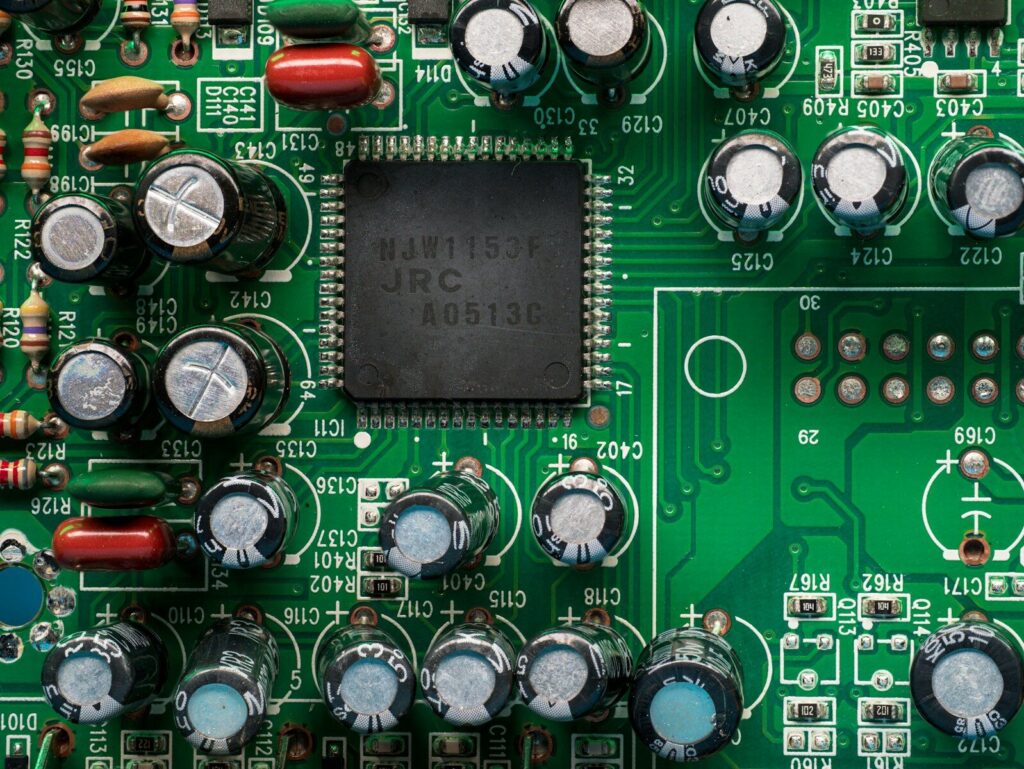
Every pcb circuit starts as a schematic: symbols for each component, wires for each net, and labels for the power rails. Then the physical details take over. Footprints have to match the real part, including pin pitch, pad size, and the space the package occupies, and most pcb board design failures start here rather than in the routing. Connectors belong at the board edge, mounting holes go where the enclosure expects them, and every integrated circuit wants its decoupling capacitor close to the power pin.
For conductor width and spacing, the IPC-2221 generic standard is the baseline the industry builds on (IPC-2221A), because current, copper weight, and temperature rise decide the minimum width, not habit. Run the design rule check before you export. On a home board, one clearance violation becomes a short you cannot repair.
Fabrication
Turning the design into copper has three routes: chemical etching at home, CNC milling that cuts the copper away, and a fabrication service that does both better than you can. Each route has a precision ceiling, and that ceiling decides what you can build far more than skill does.
Assembly
Assembly is where pcb electronics gets physical. Components arrive in bags, on reels, or cut from a strip. Through-hole parts get inserted and soldered from the other side; surface-mount parts get flux, a fine tip, and patience. Afterwards, clean the flux off with isopropyl alcohol, because residue attracts moisture and, on a board with no solder mask, that leads to leakage over time.
Tools, materials, and what each stage costs
The starter kit for a single-sided board is small. A copper-clad blank, transfer supplies, an etchant, a drill, a soldering iron, and a multimeter cover the whole process, and most of it is already in a home workshop. The entry cost is low; the time cost is what you actually spend.
Buy the multimeter properly. It finds shorts, confirms continuity, and checks that a diode is oriented the way you think it is, and none of that is possible by eye.
Design software
| Tool category | Cost | Best for | Trade-off |
|---|---|---|---|
| Free open-source suite | No license fee | Multi-layer layouts, offline work, full control of libraries | Learning curve, and library setup takes an evening |
| Browser-based layout tool | Free tier, paid for private projects | Quick single and double-sided boards | Fewer advanced features, variable library quality |
| Professional package | Paid license | High layer counts, controlled impedance, team libraries | Cost and complexity far beyond a first board |
Whichever you pick, the output that matters is the same: Gerber files plus a drill file. Learning to export those early is the foundation of pcb learning, and it lets you move a design between a home bench and a factory without starting over.
Materials for home fabrication
- Single-sided copper-clad FR-4, 1.6 mm thick. Standard hobby stock carries 1 oz copper (about 35 µm); 0.5 oz (about 18 µm) etches faster and holds finer traces.
- Transfer media: glossy or toner transfer paper for the iron method, transparency film for UV exposure.
- A laser printer, since inkjet output does not resist etchant.
- A clothes iron or a laminator, set high and dry.
- Etchant: ferric chloride or ammonium persulfate for cleaner trace edges.
- Developer solution if you use a presensitized board or dry film.
- Two plastic trays and plastic tweezers, so metal never touches the etchant.
- A small drill with 0.8 mm to 1.2 mm bits for through-hole parts.
- Nitrile gloves, safety glasses, and a ventilated space.
- Fine abrasive paper, isopropyl alcohol, a permanent marker, and a center punch.
Assembly and test tools
A temperature-controlled soldering iron, lead-free solder, flux, fine tweezers, and a desoldering pump or braid. Add a current-limited bench supply for the first power-up. A laptop charger tells you nothing until the board is already damaged; a supply with a current limit tells you the moment something is wrong.
Step-by-step: from design file to working board
The sequence from finished design to working board is nine steps, and the order matters. Every shortcut taken before etching shows up later as a broken trace or a hole drilled off centre.
- Draw the schematic and check the netlist against your intended circuit. A mistake here survives every later step.
- Lay out the board, place the decoupling capacitors and connectors, then run the design rule check.
- Export a mirrored image for toner transfer, or a normal image for top-side UV exposure. Bottom-side exposure through a transparency always needs the mirror.
- Clean the copper with fine abrasive paper and isopropyl alcohol. Transfer onto an oily or oxidized surface and fail quietly.
- Transfer the pattern. An iron at about 180°C without steam, pressed firmly for three to four minutes, covers the toner method. UV exposure takes roughly 90 to 120 seconds with a proper lamp, followed by development in a dilute developer solution.
- Inspect the resist and touch up thin spots with a permanent marker before etching.
- Etch, agitating the tray every few minutes, and pull the board as soon as the bare copper clears. Ferric chloride undercuts fine traces; ammonium persulfate holds edges better.
- Drill. Punch every pad center first so the bit does not wander, and drill the largest holes before the small ones.
- Solder the components, clean the flux with isopropyl alcohol, and then check continuity pad to pad before applying power.
Exposure time is the step most people get wrong. Resist that washes away in development means the board was under-exposed; traces that come out swollen with resist that will not develop mean it was over-exposed. A test strip, exposed in one-minute increments on a scrap of board, settles the number for your lamp once.
The three ways to transfer a pattern at home
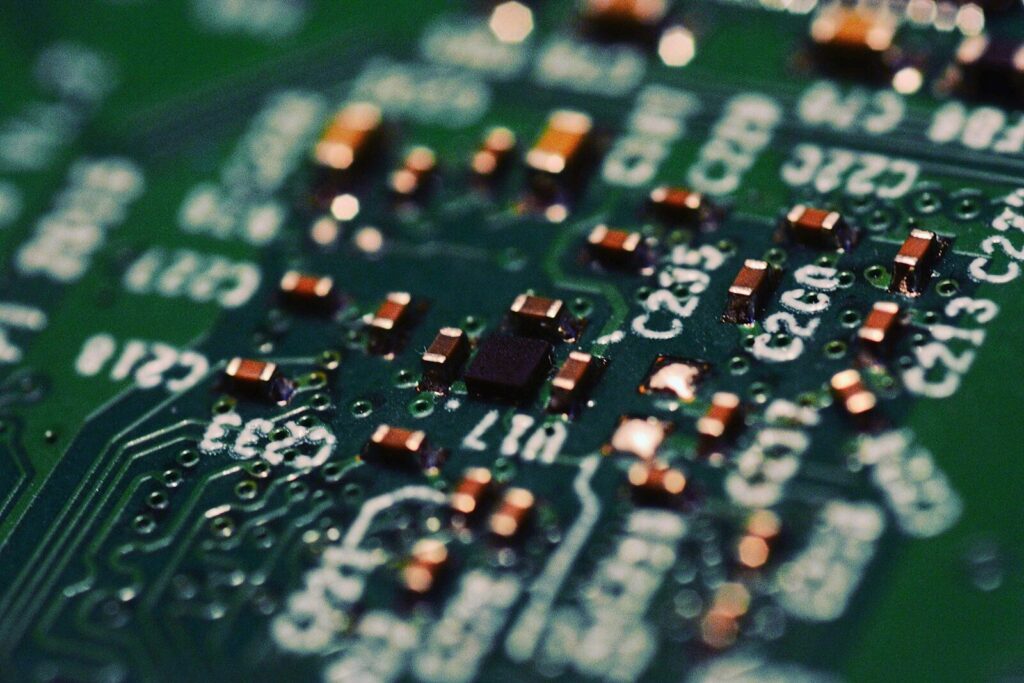
Toner transfer, UV photoresist, and CNC milling all work, and the choice comes down to the finest trace you need and the equipment you already own. Toner transfer is the cheapest way in, UV photoresist is the most precise, and milling skips the chemistry entirely.
| Method | Realistic trace and spacing | Equipment | Best for | Common failure |
|---|---|---|---|---|
| Toner transfer | 0.38 mm comfortably, 0.25 mm with fresh toner and a well-tuned printer | Laser printer, transfer paper, iron | Single-sided power boards and simple circuits | Paper fibers left in the resist pit the traces |
| UV photoresist | 0.4 to 0.5 mm on a presensitized board, around 0.1 mm with negative dry film | UV source, transparency film, developer | Fine traces and repeatable batches | Wrong exposure time, film misalignment |
| CNC milling | About 0.2 to 0.3 mm depending on the bit | Milling machine, flat copper stock | Quick one-offs without chemicals | Bit wear, uneven copper thickness |
The chemicals deserve respect. Ferric chloride stains everything it touches and is corrosive, and sodium persulfate and developer solutions are not household-safe either. Work in a ventilated space, wear gloves and glasses, keep every liquid in a labelled container, and never mix etchants. Some makers etch with a hydrochloric acid and hydrogen peroxide mix because it is faster, and that route needs care most kitchen-table setups cannot provide. Spent etchant is hazardous waste, so it goes to a collection point, not down the drain.
Types of PCB you can realistically make at home
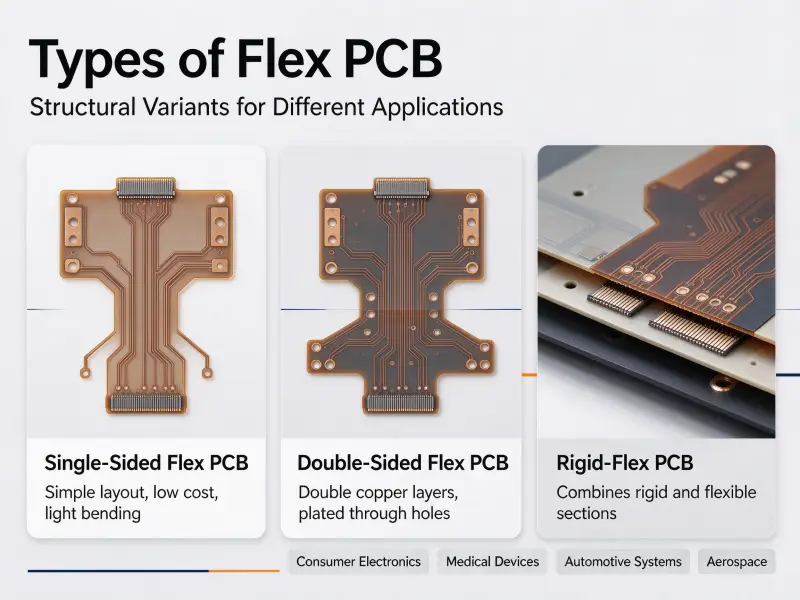
You can make single-sided boards reliably and double-sided boards with care and alignment marks. Multilayer, flexible, and rigid-flex boards are out of reach on a home bench because they need plated through-holes and lamination under heat and pressure.
| Board type | Feasible at home | Notes |
|---|---|---|
| Single-sided | Yes, the easiest | One copper layer, through-hole parts, no vias to worry about |
| Double-sided | Yes, with alignment marks | Registration typically lands within about 0.25 mm, but there is no plating in the holes |
| Multilayer, four layers and up | No | Needs a lamination press to bond the stack |
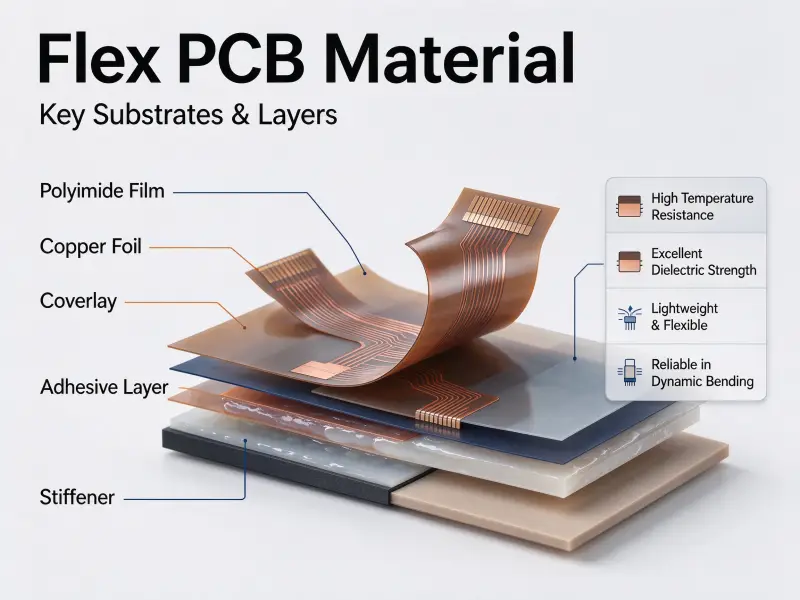
| Flexible and rigid-flex | No | Polyimide and adhesiveless laminates need controlled processing. |
The plated through-hole is the real limit. A drilled hole in a homemade board has bare laminate walls, so the top and bottom copper are not connected by the hole itself. You bridge them by soldering a short piece of wire through the pad on both sides, or by setting a copper eyelet. Both work, and both cost board space on every via in the design.
What it costs: a home bench versus a fabrication service
Home fabrication wins on a single prototype and loses on nearly everything else. Consumables for a first single-sided board usually come in under $10, while low-cost services publish batch prices of roughly $2 to $5 for five to ten small two-layer boards, which is often less than the shipping you would pay for blanks and chemicals alone.
| Cost factor | Home bench | Fabrication service |
|---|---|---|
| Consumables | Under $10 for a first single-sided board | Included in the board price |
| Equipment | Iron or laminator, drill, UV source if used, multimeter | None |
| Time per board | Three to eight hours, including rework | Minutes of upload, then waiting |
| Small-batch price | Does not scale, and each board costs the same again | $2 to $5 per board in a batch of five to ten two-layer boards |
| Hidden costs | Rework, chemical disposal, boards that never work | Shipping and lead time |
The figures above come from published prototype pricing checked in October 2026, and the pcb price you see quoted moves with board size, layer count, and copper weight. A four-layer prototype of the same size sits far higher, and that gap is the clearest argument for ordering a board rather than making one.
The cost of pcb components decides as many projects as board cost does. A home build forces you to buy parts in ones and twos at retail, with no traceability paperwork, while electronic component sourcing at production quantities spreads the bill of materials differently and comes with documentation a lab or a client will ask for.
Is making a custom PCB hard?
Difficulty is not one thing. It comes down to three variables: the number of layers, the smallest trace and spacing in the design, and the package type of the components. A single-sided board with through-hole parts is a beginner project. A four-layer board with fine-pitch parts is not, however, as steady your hands are.
| Level | Typical design | What it demands |
|---|---|---|
| Beginner | Single-sided, through-hole parts, traces of 0.4 mm and up | Basic soldering, one etchant, patience with the iron |
| Intermediate | Double-sided with stitched vias, surface-mount parts at 0.5 mm pitch | Alignment tooling, thin dry film or milling, fine-tip soldering |
| Not a home project | Four layers and up, fine-pitch or ball-grid packages, controlled impedance | Plated through-holes, lamination, impedance testing |
Hand the work over once your design crosses into the third row. That is not a failure of nerve; it is the point where the equipment, not the operator, sets the tolerance. Fine-pitch parts and plated vias are routine for pcb manufacturing and close to impossible on a bench.
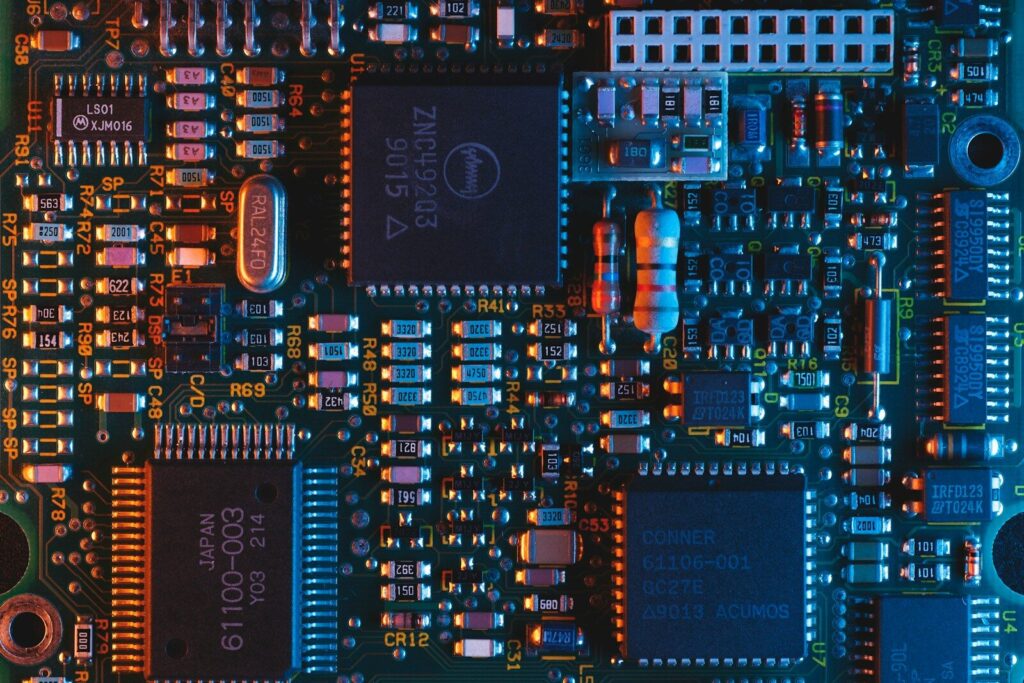
Faults you will meet on your first board
First boards usually fail on fabrication rather than design. Under-etched copper leaves shorts between traces, over-etched copper leaves open circuits, and a hole drilled a fraction of an inch off-center breaks the pad it was meant to reach.
| Fault | Cause | Fix |
|---|---|---|
| Shorts between traces | Under-etching, or copper left in a narrow gap | Longer etch with agitation, then test with a multimeter before power-up. |
| Broken traces | Over-etching or weak toner adhesion | Rebuild the trace with wire, then retune the iron temperature and pressure. |
| Pitted or ragged traces | Paper residue trapped in the resist | Switch to transfer film and clean the copper before transfer |
| Holes off-center | No center punch, so the bit wanders | Punch every pad center and drill large holes first. |
| Cold solder joints | Dirty pads or too little heat | Clean with alcohol and flux, then raise the tip temperature within the solder’s specification. |
| Lifted pads | Repeated heating during soldering or desoldering | Lower the tip temperature and use braid instead of reworking the same pad |
Testing has an order worth keeping. Look at the board under bright light for bridges and unseated parts. Check continuity where the schematic says there should be a connection, and none where there should not be. Then power up through a current-limited supply and watch the reading. A healthy board draws a small, steady current, and a fault announces itself as a spike you can catch before it burns anything.
FAQ
What files does a fabrication service need from me?
A zipped package with Gerber files for every copper, mask, and silkscreen layer, plus an NC drill file in the same units as the Gerbers. Board thickness, copper weight, surface finish, and quantity go in the order form rather than the file set. For assembly as well, include a bill of materials and a component placement file; without those two, most services quote bare boards only.
How do I connect the two sides of a homemade board?
Drill the via, then solder a short length of bare wire through it and trim both ends flush, or set a copper eyelet and solder it from both sides. Pressing a wire in without solder does not hold contact reliably. Keep stitched vias away from fine-pitch parts, since each one adds a small bump on both surfaces.
How long does making your own PCB take?
A simple single-sided board takes three to eight hours of real work: an hour or two on layout, an hour on transfer and etching, another on drilling, and the rest on soldering and testing. Double-sided boards take longer because of alignment. A fabrication service removes that time from your schedule, with standard orders typically shipping within about a week and rush options faster at a higher price.