Preparing a PCB board is usually described as a design task, but the part that decides whether a board gets built on time is the handoff. A fabricator does not need your schematic or your layout database. It needs a data package it can run without asking questions. When an order comes back rejected or delayed, the cause is far more often a missing outline layer, a drill file that disagrees with the artwork, or a stackup nobody wrote down than a circuit that was wrong. Because most of that work lands in the last few days before an order is placed, it is the part people rush and the part that reaches custom PCB manufacturing unfinished.
Preparing a PCB board for manufacturing means assembling one complete, self-consistent data package, artwork, drill data, stackup, bill of materials, and a fabrication drawing, and clearing the design-for-manufacturability checks a fabricator runs before the panel is released. The circuit design is the input; the prepared package is the deliverable.
This guide works through what belongs in that package, the checks that reject boards most often, and the self-check to run before you press submit.

What a fabricator actually needs before production starts
A production order needs five things: Gerber artwork for every layer, a drill file that separates plated from non-plated holes, a stackup or fabrication drawing, a board outline with stated tolerances, and a surface finish callout. A bill of materials and paste layers are only needed if the same house is assembling the board.
Everything else in your project folder—the schematic, the simulation results, and the layout database—is reference material. None of it reaches the drill. The useful test is whether a fab engineer can open the package without your design software and understand what to build.
| Item | What it defines | What breaks without it |
|---|---|---|
| Gerber artwork | Copper, mask, silk, paste, outline | Layers built to a guess; a missing outline blocks CAM |
| Drill file | Hole positions, diameters, plating | Unplated vias, or holes that miss their pads |
| Stackup or fabrication drawing | Layer order, thickness, copper weight, impedance | The fabricator substitutes its own default stack |
| Board outline with tolerances | Finished shape and size | Panel and routing decisions made for you |
| Surface finish callout | Pad protection and shelf life | The wrong finish for your pitch or storage |
Two habits separate a clean order from a long email thread. Name files so their order is obvious, and write the stackup down instead of describing it in the order notes. Neither takes long, and both remove a round trip.
Artwork and drill data: where most rejections start
Almost every rejection comes from the artwork and the drill data disagreeing with each other. The outline, the mask, and the drill file have to describe the same board, at the same scale, with the same origin.
Gerber layers and the board outline
A standard two-layer package carries top and bottom copper, top and bottom solder mask, top and bottom silkscreen, and a board outline layer. Multilayer boards add an inner copper file for every signal or plane layer, plus paste layers if the assembly house will cut stencils from your data. The silkscreen layer is where a board’s printed markings come from, including reference designators, polarity marks, and board identification.
The outline is the file most often left out, because design tools sometimes keep it on a mechanical layer that does not export by default. Without it, CAM has to infer the board shape, and it will not always infer the shape you intended.
Drill files, tool sizes, and plating
The drill file lists each hole with a diameter and a coordinate. Plated holes carry current between layers, while non-plated holes are mechanical. Mixing the two into one file, or reusing a tool number for two different diameters, is the classic reason a board arrives with unplated vias. Keep the plated and non-plated tool sets separate, and confirm that every pad in the artwork has a matching hole.
Registration between layers
Layer-to-layer registration is the fabricator’s problem to solve, but your data decides whether it can. If the drill lands off-center by more than the annular ring allows, the pad is breached. Setting the annular ring from the real drill tolerance and keeping via-in-pad and microvia choices inside the process you have chosen removes most of this risk before it appears.
The stackup and fabrication drawing
The stackup drawing is the one document that tells a fabricator how to build the board rather than how to draw it. It fixes the order of copper and dielectric layers, their thicknesses, the copper weight, the target impedance, and the finish.
A fabrication drawing should state all of the following:
- Layer order, including which inner layers are planes
- Dielectric thickness between each pair of copper layers
- Copper weight per layer
- Target impedance, and which traces it applies to
- Finished board thickness and the tolerance on it
- Surface finish, solder mask color, and silkscreen requirements
- Whether impedance coupons are required on the panel
Controlled impedance and the coupon
High-speed and RF traces are designed to a target impedance, and impedance is set by trace geometry against the thickness of the dielectric around it. Change the stackup, and you change the impedance. Controlled impedance, therefore, has to be specified on the drawing and backed by a test coupon on the panel so the fabricator can prove that the stack it built met the target.
When FR-4 is not the right answer
FR-4 covers most boards. It stops being the answer as the operating temperature approaches its glass transition, when losses at high frequency matter more than cost, or when the board has to survive repeated thermal cycling. Those cases move the design to polyimide, PTFE, ceramic, or metal-core substrates, and each one changes the fabrication route. Put the material requirement in writing, because a default substitution back to FR-4 will look correct and behave differently.
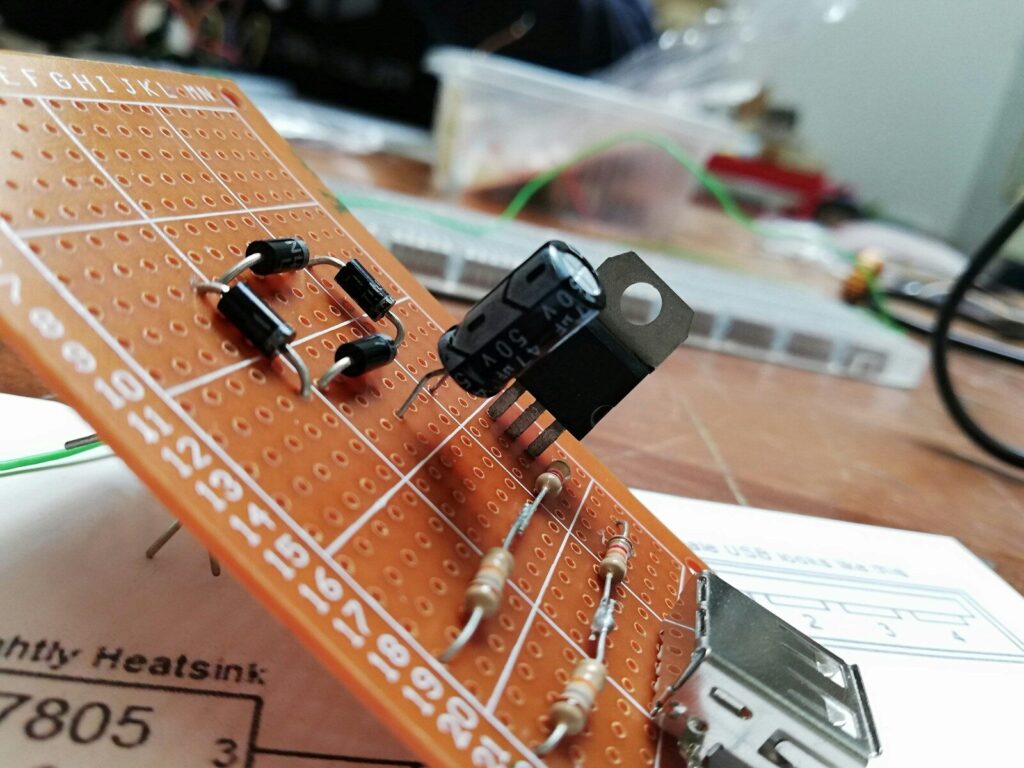
Design rules have to match the fabricator, not a textbook.
Design rules are only useful if they match the shop that will build the board. A textbook minimum and a specific fabricator’s process capability are rarely the same number, and designing to the tighter of the two is what stops a layout that looks fine on screen from being unbuildable in practice.
Trace width from current, not from habit
Trace width is a thermal decision. The relationship between width, copper weight, current, and acceptable temperature rise is specified in IPC-2221, the generic standard on printed board design, and the figures below assume a 10-degree Celsius rise above a 25-degree Celsius ambient.
| Current | 1 oz copper, inner layer | 1 oz copper, outer layer | 2 oz copper, outer layer |
|---|---|---|---|
| 1.0 A | 23.6 mil (0.60 mm) | 10.2 mil (0.26 mm) | 6.5 mil (0.16 mm) |
| 3.0 A | 85.0 mil (2.16 mm) | 35.5 mil (0.90 mm) | 21.0 mil (0.53 mm) |
| 5.0 A | 165.0 mil (4.19 mm) | 68.0 mil (1.73 mm) | 38.5 mil (0.98 mm) |
Inner layers need roughly twice the width of outer layers for the same current because they have no convective cooling. Doubling copper weight roughly halves the width required.
The 3W rule and when to widen
The 3W rule sets the center-to-center spacing between adjacent parallel traces at three times the trace width, leaving about 2W edge to edge. That cuts capacitive and inductive coupling enough to reduce crosstalk by roughly 70 percent against tightly packed traces, and it keeps the gap wide enough to etch without copper bridges. Clock nets and high-speed serial links often go to 4W or 5W. On thin two-layer boards, the related 3H rule, measured against the trace-to-plane distance, matters more.
The checks that reject boards most often
These are the ones worth settling before you order:
- Annular ring measured against the real drill tolerance
- Minimum trace and space measured against the shop’s capability
- Solder mask webs thin enough to lift during assembly
- Acid traps where a trace meets a plane at an acute angle
- Copper too close to the board edge for the routing tolerance
- Thermal relief on pads connected to planes
- Drill-to-drill spacing below the shop’s minimum
Most of these limits live in a fabricator’s capability sheet rather than in a public standard. Ask for that sheet early, and build the layout rules from it rather than from memory. It usually sits alongside the shop’s other PCB technical support guides.
The DFM review: the questions you will get anyway
Every fabricator runs a design for manufacturability review before releasing a job, and almost every review produces the same handful of queries. Answering them at the layout stage removes a full round trip from the order.
Front-end engineering is checking one thing: whether your data can be built on the lines that will run it. Thin annular rings, mask slivers, hole-to-copper distances, and impedance that nobody specified are the recurring subjects. None of them are design errors in the usual sense. They are gaps between what the file says and what the process can hold.
- State requirements on a fabrication drawing instead of in the order notes
- Name the traces that are impedance controlled, and ask for coupons
- Separate plated and non-plated drill tools
- Mark the outline clearly, and keep it identical across artwork and drawing
- Say which tolerances are critical and which are nominal
A useful test: hand the package to someone who has not seen the design and ask them to state the layer count, the finished thickness, and the surface finish from the files alone. If they cannot, the package is not finished.
Self-check before you submit.
Before submitting, walk the package from the outside in: artwork against drill data, drill data against the stackup, and the stackup against the fabrication drawing. Anything that disagrees is a query waiting to happen.
- Outline present, closed, and identical in the artwork and the drawing
- Every pad in the artwork has a matching hole in the drill file
- Plated and non-plated holes sit in separate tool sets
- Mask openings sized for the pad and the chosen finish
- Silkscreen clear of pads and mask openings
- The stackup drawing states layer order, thicknesses, copper weight, impedance, and finish
- Finished board thickness and tolerance stated
- Controlled impedance traces and coupons named
- Panelization and separation method stated
- Files named so their order is obvious, packaged as one archive
- The Gerber set opened in a viewer and was compared against the layout
- The shop’s capability sheet covers your smallest trace, smallest hole, and layer count
That list is the same whether you created the board in a free tool or a commercial suite, and it is the same whether you are learning PCB design for the first time or ordering your fiftieth batch. The package requirements do not change with experience; only the speed at which you spot the gaps does.
What still costs money once the design is fixed?
Once the design is frozen, cost is decided by process rather than by cleverness. Layer count, board area, quantity, copper weight, finish, and how tight your tolerances are all move the number, and each one trades against something else.
| Lever | Effect on price | Trade-off |
|---|---|---|
| Layer count | Each added layer multiplies processing steps | Fewer layers can force a larger, harder-to-route board |
| Board area | Material and panel space scale with area | Shrinking the board raises density and may need tighter rules |
| Quantity | Tooling and setup amortize across units | Small runs carry a high fixed cost per board |
| Copper weight and material | Heavier copper and specialized laminates cost more | High-current and high-speed designs cannot avoid them |
| Surface finish | Finishes trade cost against shelf life and flatness | The cheapest finish may not suit fine pitch |
| Tolerance and lead time | Tighter rules and faster delivery both cut yield | Designing at the limit leaves no process margin |
Preparing a board well is largely about deciding which of these levers you actually need to pull. Most of the cost comes from tolerances nobody intended to specify.

Frequently asked questions
What files does a PCB fabricator need to start production?
Gerber artwork for every layer, including the board outline; an NC drill file with plated and non-plated holes separated; and a fabrication drawing or stackup that states layer order, thickness, copper weight, impedance, and surface finish. Add a netlist file if you want an electrical test on the bare board before assembly.
What is DFM, and who runs it?
Design for manufacturability is the check that a layout can be produced within a shop’s process limits. The fabricator’s front-end engineering team runs it before releasing the panel, and the output is usually a list of queries. Running the same checks against the capability sheet yourself, before ordering, is what removes the round trip.
How do I check a Gerber file before sending it?
Open the exported set in a Gerber viewer and compare it layer by layer against the layout: outline present, drill aligned to pads, mask openings correct, and silkscreen clear of pads. Viewers also measure distances, which is the quickest way to confirm that the smallest trace and gap in the file match the capability sheet you are ordering against.