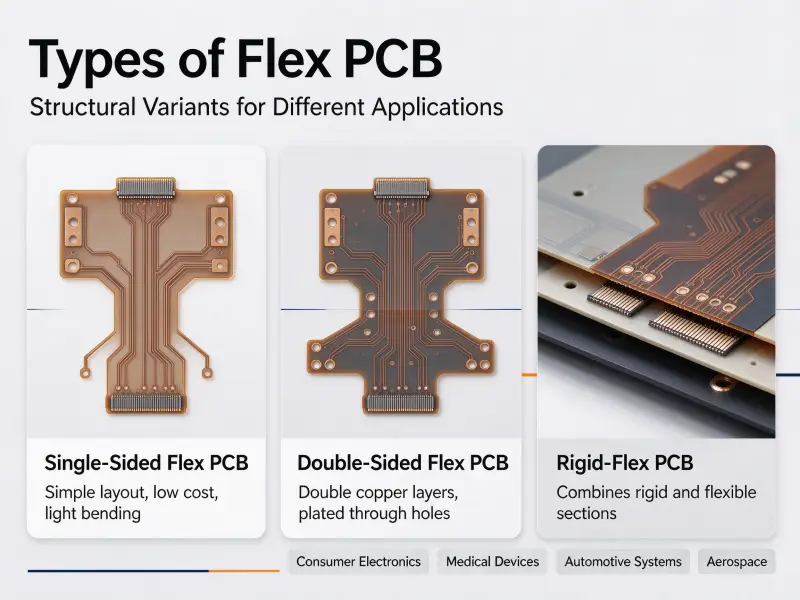
Reflow ovens do most of the work in modern electronics, but hand soldering has not disappeared. Prototypes, repair jobs, replaced connectors, and small builds still finish with someone holding an iron over a circuit board. The skill is not hard to learn, but it is unforgiving: a joint either wets properly or it does not, and the difference is visible before the board is ever powered up.
You can solder directly to a PCB, but only to exposed metal, which means the copper pad or the inside wall of a plated through-hole. The green or black coating over the rest of the board is solder mask, and solder will not bond to it. A reliable joint needs three things at the same time: a clean metal surface, enough heat in that surface, and flux to keep oxygen away while the solder flows.
This guide covers the tools worth buying, the iron temperature that matches your solder alloy, the technique for through-hole and surface-mount parts, and how to read a finished joint so you know when to leave it alone and when to rework it. It finishes with the point where hand soldering stops paying off and turnkey PCB assembly takes over.
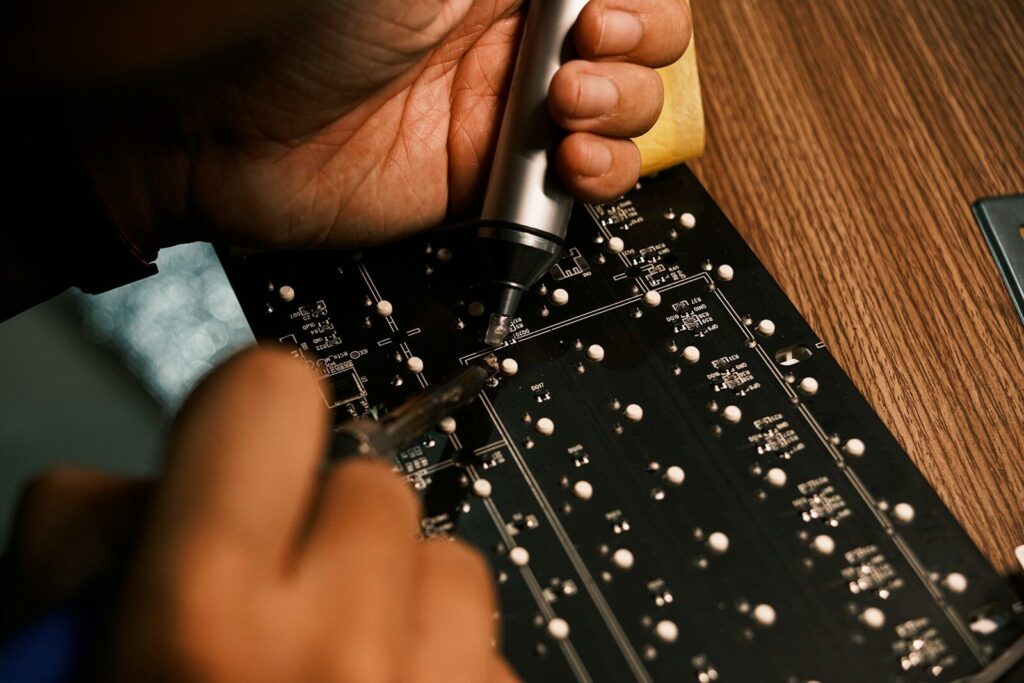
Why does solder bond to a pad but not to a solder mask
The copper pad, the surface finish, and the green coating
A bare board is fiberglass-reinforced epoxy with copper traces bonded to it. The traces are covered by solder mask, a cured polymer that keeps solder away from everything except the pads and holes it is meant to reach. That is the whole purpose of the coating: it stops molten solder from bridging between nearby traces and protects the copper underneath from moisture and handling damage. Since solder cannot wet a polymer, the mask acts as a permanent barrier, not a temporary one.
The pads themselves carry a thin surface finish that protects the copper until you solder it. Hot air solder leveling (HASL) is inexpensive and robust but leaves an uneven surface. Electroless nickel immersion gold (ENIG) stays flat and solderable far longer, which suits fine-pitch parts. Organic solderability preservative (OSP) is the cheapest option and needs care because the protection degrades after a few heat cycles. Whichever finish is on your board was decided when the board was fabricated, not at your bench.
What flux actually does at the joint
Heat speeds up oxidation, and copper oxide does not behave like copper. The oxide layer melts at a far higher temperature than solder does, so it sits between the molten alloy and the metal underneath unless something removes it. Flux is that something. Activated by heat, it dissolves the oxide film and lowers surface tension so the solder spreads across the pad instead of beading on top of it.
Rosin-based flux is the general-purpose choice. Water-soluble flux cleans more aggressively but must be rinsed off afterwards. No-clean flux leaves a residue that is acceptable in most commercial assemblies, but you should know which type you are using before the board ships. Adding a little flux to a joint is not a sign of bad technique, even when the solder wire already contains a flux core.
Solder, iron, and the tools worth having
Leaded or lead-free: pick by end product, not by habit
Tin-lead solder in the eutectic ratio melts at 183 °C, flows easily, and leaves a bright, smooth fillet. It is the most forgiving alloy for learning and for repair work, but it is restricted in most commercial products, so it cannot be your default if the board is going to market. Lead-free SAC305 melts at 217°C, needs a higher iron setting, and produces a slightly duller joint that is still perfectly sound. Low-temperature bismuth alloys melt near 138°C and suit heat-sensitive parts, but they must never be mixed with leaded solder. Decide where the board will be sold, then choose the alloy that fits.
Wattage and tip shape matter more than brand.
A temperature-controlled station beats a fixed-wattage iron for one reason: a constant setpoint. A fixed iron cools the moment its tip touches a ground plane, and that temperature drop is where most cold joints begin. Between 60 W and 80 W gives enough thermal recovery for ground pours and connectors without cooking small parts.
Tip geometry does more for your results than any other single choice. A chisel tip transfers heat through a broad contact area. A fine conical tip has almost no contact area and struggles on anything larger than a small pad. Use the largest tip that fits the joint.
Flux and cleanup supplies
Keep separate flux in paste or pen form, brass wool or a damp sponge for the tip, at least 90 percent isopropyl alcohol and a soft brush, fine tweezers, and flush cutters. Hold the board still with a holder or tape, because you need one hand for the iron and one for the solder wire. Work in ventilated air or use fume extraction, and wear safety glasses when trimming leads.
Setting the iron temperature by alloy
The melting point of the alloy is the floor, not the setting. Heat bleeds out of the tip into the pad and the surrounding copper, so the iron has to run hotter than the solder’s melting point to bring the joint up to temperature quickly. Too hot is not a shortcut: excess heat burns the flux before it can clean, oxidizes the tip, and lifts pads. These settings are process guidance, not a specification.
| Alloy | Melting point | Iron setpoint | Where it fits |
|---|---|---|---|
| Sn63/Pb37, leaded eutectic | 183°C | 320–350°C | Prototyping and repair |
| SAC305, lead-free | 217°C | 350–380°C | RoHS-bound commercial boards |
| Sn42/Bi57, bismuth | 138°C | 250–280°C | Heat-sensitive and flexible boards |
If a joint has not wetted within about three seconds at the correct setpoint, stop and diagnose instead of holding the iron there. Longer contact damages the board faster than it fixes the joint.
Soldering a through-hole joint, step by step
Clean and position before you heat anything
Oxides and skin oils are the two most common reasons solder refuses to flow, and both are preventable. Wipe the pad with isopropyl alcohol, apply a small amount of flux, and avoid touching the cleaned surface with bare fingers. Insert the lead, bend it slightly on the solder side to hold the component in place, and check orientation against the silkscreen before you commit. Solder the shortest components first so nothing falls out when the board is turned over.
Heat the joint, then feed the solder into it
Place the tip so it touches the pad and the lead at the same time. Heating only one of them means the other stays below the melting point, and the solder will not bond to it. Wait a second or two for both to come up to temperature, then feed the solder wire into the junction where the tip, the pad, and the lead meet. Never feed it onto the tip. The heated joint draws the molten solder in by capillary action, and you can watch it flow into the gap between the lead and the hole wall. Stop feeding once the fillet covers the pad and wraps the lead.
Remove the solder first, then the iron
Order matters. Pull the solder wire away first, then lift the iron. Reversing it drags a spike or a cold, disturbed surface into the joint. Total contact time for a normal through-hole pad runs three to five seconds. Hold the component still while the joint solidifies; movement during cooling produces a grainy, unreliable connection that looks acceptable until it fails. Trim the excess lead above the fillet with flush cutters.
Soldering surface-mount parts by hand
Tack one corner, then drag
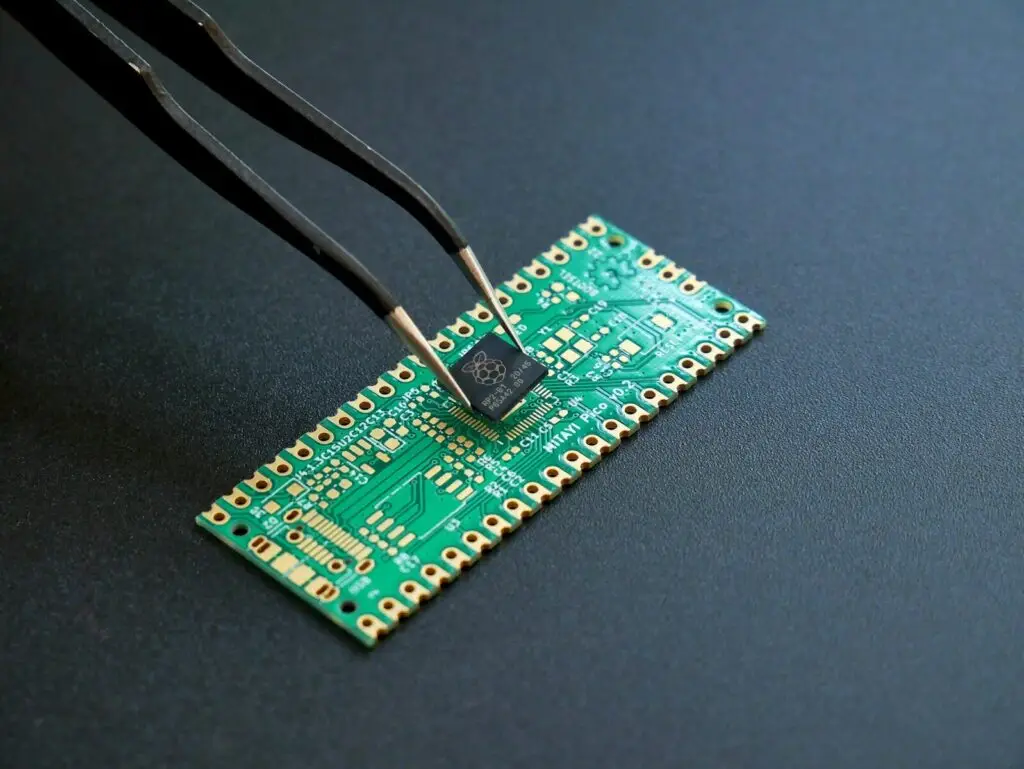
Surface-mount devices (SMD) sit on top of the pads instead of passing through the board. Apply flux across the pads, position the part with tweezers, and verify that it is electrically directional if it has a marking for the cathode end. Solder a single corner pin to hold the component, check alignment under magnification, then tack the opposite corner. With the part locked in place, solder the remaining pins. For a multi-pin package, load a small amount of solder on the tip and drag it slowly along the row; the flux keeps the solder moving, and surface tension pulls it onto each pin.
Fine pitch needs more flux and less solder
Bridges are almost always the result of too much solder, not too little. A thin, even layer of flux does more for a fine-pitch row than an extra dab of alloy, because it lets the solder stay where the metal is. If a bridge does form, add flux and drag a clean, tinned tip across it, or press a desoldering wick onto the bridge and heat from above until the wick absorbs the excess.
How to read a solder joint
Good, cold, bridged, and lifted: what each one looks like
Inspection is part of the process, not a final formality. Look at shape and surface first, then decide whether the joint needs attention.
| What you see | Likely cause | What to change |
|---|---|---|
| Smooth concave fillet, bright or satin, pad edge visible | Pad and lead both reached temperature. | Nothing |
| Dull, grainy solder balled on the pad | Joint never reached temperature | Raise the setpoint or preheat the board, add flux, and reheat once. |
| Solder spanning two adjacent pads | Too much solder fed, or the tip dragged across the row | Wick the excess off, and feed less next time. |
| Pad lifted off the substrate. | Dwell time was too long, or the component was pulled while the solder was liquid. | Stop pulling; keep dwell under about three seconds. |
What each fault tells you about your process
A cold joint is a thermal problem, not a solder problem. The alloy was fine; the pad never got hot enough for it to wet. A bridge says the joint received more solder than it needed. A lifted pad says heat or force was applied for longer than the laminate could take. Reading the fault this way turns each defect into a specific adjustment rather than guesswork.
For acceptance criteria you can hold a supplier to, rather than rules of thumb, the industry reference is IPC-A-610 acceptability criteria, which grades joint shape, hole fill, and residue by performance class.
Cleaning flux residue from a finished joint
Wipe the cooled joint with at least 90 percent isopropyl alcohol and scrub gently with a soft brush, then lift the residue with a lint-free cloth. No-clean residue is tolerable on most commercial boards, but clean anyway if the assembly will be conformally coated, optically inspected, or potted, because residue under a coating can trap contaminants.
When hand soldering stops being the right method
Prototype versus production
Hand soldering is the fastest route from a design idea to a working board. It is also operator-dependent: two people can solder the same pad with different dwell times, different amounts of solder, and different fillet shapes, and only one of them will pass a visual standard. Once a board moves into volume, consistency, inspection coverage on hidden joints, and the cost of reworking a finished assembly all point to machine soldering with defined profiles. Hand work stays where it belongs: prototypes, repairs, and a handful of special joints that a machine cannot reach.
What to send a manufacturer before assembly
Most assembly problems are designed in, not built in. Before you ask for a quote, send the fabrication data, the bill of materials with manufacturer part numbers and acceptable alternates, the pick-and-place file, and the board stack-up. Include the surface finish you want and the pad geometry, because both are set during custom PCB manufacturing, long before anyone picks up an iron. A design review at that stage usually catches the footprints that are too tight to assemble, the parts with no thermal relief on ground planes, and the silkscreen that overlaps a pad. If the board is heading for production, request a design-for-manufacturing check and an assembly quote rather than planning to hand-solder it yourself.
Frequently asked questions
What temperature should I set the iron to when soldering a PCB?
Set it above the melting point of your alloy, not at it. Roughly 320–350°C suits leaded solder at 183°C, and 350–380°C suits SAC305 at 217°C. Low-temperature bismuth alloys run around 250–280°C.
Why won’t solder stick to my PCB pad?
Usually oxidation, contamination, or insufficient heat. Clean the pad with isopropyl alcohol, add flux, and make sure the tip touches the pad and the lead at the same time. On an OSP finish that has been stored too long or through too many heat cycles, the coating may simply be spent.
Do I need extra flux if my solder already has a flux core?
Not always, but it helps on oxidized pads, thick ground planes, and fine-pitch work. The flux inside the wire is limited in volume and burns off quickly, so a small amount applied directly to the joint often makes the difference between a joint that wets and one that does not.