
Walk into any electronics supply store or browse a fabrication quote page and you will notice the same thing: most circuit boards are green. That choice is not an accident, but it is also not the only option. Engineers working on consumer devices, LED lighting, and industrial controls now pick colors for reasons that go well beyond looks. The color on a finished board is the solder mask, a thin protective coating, and changing it touches inspection, assembly, and cost at the same time. A quick look at what PCB boards are made of shows why this coating matters as much as the copper underneath it.
There is no single best PCB color. Green stays the default because it gives inspection systems and technicians the clearest contrast, and it is usually the cheapest and fastest option to produce. White suits LED boards because it reflects light rather than absorbing it. Black and other dark masks suit products where appearance matters more than easy inspection. The right choice depends on how the board will be assembled, checked, and used, not on the color by itself.
The sections below explain what color changes, what it does not, and how to make the decision.
| Color | Inspection visibility | Typical use | Suggested silkscreen | Thermal note |
|---|---|---|---|---|
| Green | Excellent | General purpose, prototyping | White | Neutral |
| Blue | Good | Industrial, communications | White | Neutral |
| Red | Good | Aesthetic, high-end assemblies | White | Slightly higher absorption |
| Black | Poor | Premium consumer devices | White | Higher absorption |
| White | Good with dark print | LED lighting, displays | Black | Best light reflection |
| Purple | Fair | Design-led products | White | Neutral |
| Yellow | Good | Safety and high-visibility gear | Black or white | Neutral |
What does PCB color actually mean?
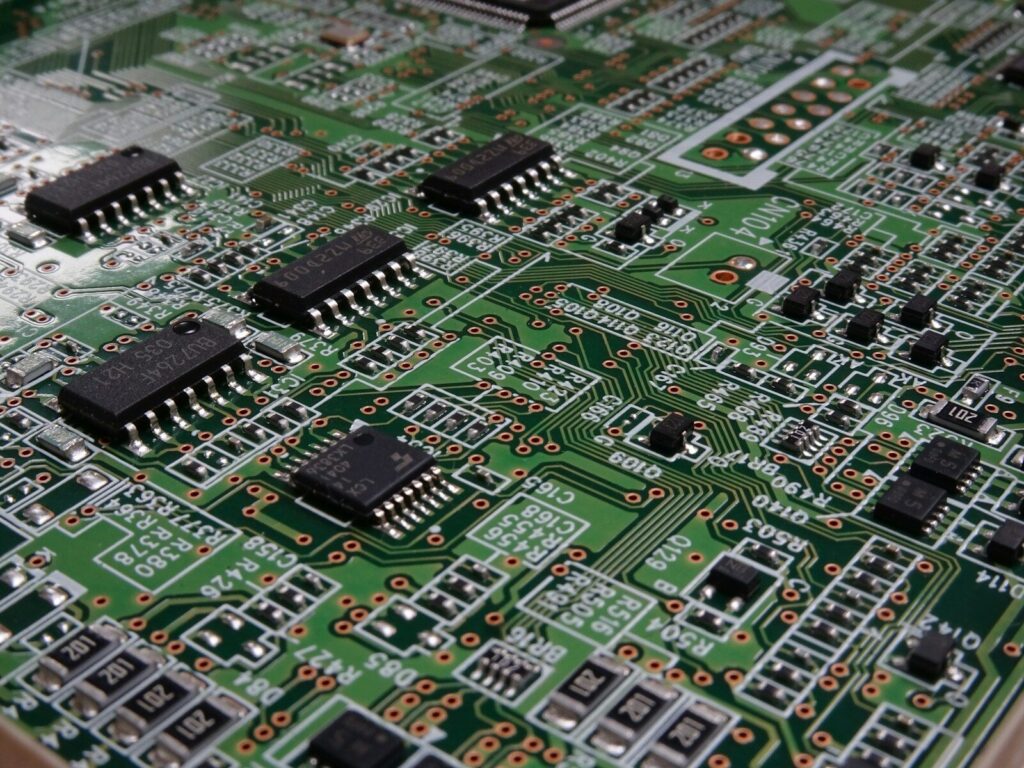
The color you see is the solder mask, not the board material or the printed lettering. It is a thin insulating layer laid over the copper, and changing it rarely alters electrical behavior.
Solder mask, not the substrate
People often talk about a “green PCB” as if the whole board were dyed. It is not. The fiberglass core, the copper foil, and the silkscreen all keep their own colors. The solder mask is the coating that goes on top, and it does two jobs: it protects copper from oxidation and contamination, and it blocks solder from bridging between pads during reflow. Green became common simply because the original mask chemistry settled on that shade and the industry built its inspection habits around it.
That distinction matters when you read a specification. A request for a “blue board” is really a request for a blue mask over the same FR-4 or special laminate you were already planning to use. The substrate sets the mechanical and thermal limits. The mask sets how the surface looks and how easy it is to inspect. Confusing the two leads to wrong assumptions, for example that a black board must dissipate heat better because it looks dark.
How color is applied during manufacturing
Most fabricators use liquid photoimageable mask, often shortened to LPI. The board is coated, exposed through a film or direct imaging, and developed so that only the pad openings remain clear. The pigment is mixed into the ink before coating, so the process is nearly identical across colors. Quality requirements for this permanent coating are covered by industry standards such as those published by IPC, which is why a well-run line can hold consistent thickness and registration whatever the shade.
Because the process is shared, color itself is not a quality signal. A poorly applied green mask will fail just as quickly as a poorly applied red one. Ask about coverage, registration tolerance, and inspection method rather than treating the color as proof of care. For teams still building their PCB learning curve, that habit saves more money than picking a popular shade.
Does PCB color affect electrical and thermal performance?
Color has almost no effect on electrical performance. Its effect on heat is small because the mask is only tens of micrometers thick. Copper weight, vias, and the substrate do the real work.
Electrical insulation and signal integrity
The mask sits on top of traces that are already separated by design. Insulation comes from the laminate and the spacing between conductors, not from the pigment in the coating. A change from green to white will not shift impedance, crosstalk, or dielectric loss in any meaningful way. At very high frequencies the mask can influence surface loss slightly, but the effect is dominated by copper roughness and the chosen laminate, not by hue.
Where color does interfere is in the openings. Dark masks around fine-pitch pads can make it harder to confirm that the aperture is clean before assembly. That is a process issue rather than an electrical one, but it can show up as a yield problem if the line depends on visual checks.
Thermal behavior and why LEDs use white
Darker surfaces absorb more radiant heat, and lighter ones reflect more, so black and red masks run marginally warmer under direct light than green or white. The difference is modest because the coating is thin. Thermal vias, plane area, copper thickness, and airflow move far more heat than the mask ever will. If a board runs hot, changing color will not fix it.
LED boards are the useful exception, and the reason is reflection rather than cooling. A white mask bounces light back out of the board instead of soaking it into a dark surface, which raises usable output from the same emitter. That is why white dominates LED lighting and display backplanes. The choice improves optical efficiency, not heat dissipation, and it is worth making for any design where every bit of light counts.
Which PCB colors are most common, and what is each good for?
Green dominates, but blue, red, black, white, purple, and yellow all have real roles. Each trades inspection clarity against appearance or light handling.
Green, blue, and red
Green is the workhorse. It gives the strongest contrast against pale solder and dark components; it is the shade most automatic optical inspection systems were tuned for, and it is stocked in depth by nearly every fabricator. For general electronics and prototyping, it is the safe answer.
Blue reads as clean and technical, which is why it shows up in industrial and communication hardware. Contrast is good in normal lighting, though solder joints can be harder to read under dim bench lights. Red gives a clear definition of traces and planes and photographs well, so it appears in products where the board is part of the visual story. Both colors are standard enough that volume pricing usually sits close to green.
Black and purple
Black looks premium and hides handling marks, fingerprints, and flux residue better than any light mask. The cost is visibility. Solder joints, hairline traces, and bridging defects are harder to spot by eye and harder for some inspection systems to resolve. Debugging and field repair take longer, which is a real expense on boards that need servicing.
Purple is chosen for design-led products where the board itself is a selling point. It offers decent contrast against light silkscreen, but it is less common than the standard shades, so availability and lead time can be less predictable on short runs. Treat it as a deliberate styling choice rather than a default.
White and yellow
White pairs naturally with dark silkscreen and is the first choice for LED applications because of its reflectivity. It also shows contamination more readily, so boards that pass through hand assembly need cleaner handling. Yellow offers high visual contrast and is often used where safety or clear identification matters, such as control equipment. Like white, it reveals stains faster than a dark mask, and bright light can create glare during inspection.
| Color | Main strength | Main trade-off |
|---|---|---|
| Green | Best contrast and widest supply | Looks ordinary |
| Blue | Clean technical appearance | Weaker contrast in low light |
| Red | Strong trace definition | Slightly warmer surface |
| Black | Hides marks, premium look | Hard to inspect and repair |
| Purple | Distinct visual identity | Less available on short runs |
| White | Reflects light for LEDs | Shows stains |
| Yellow | High visibility for safety gear | Glare and staining |
How does color affect inspection and manufacturability?
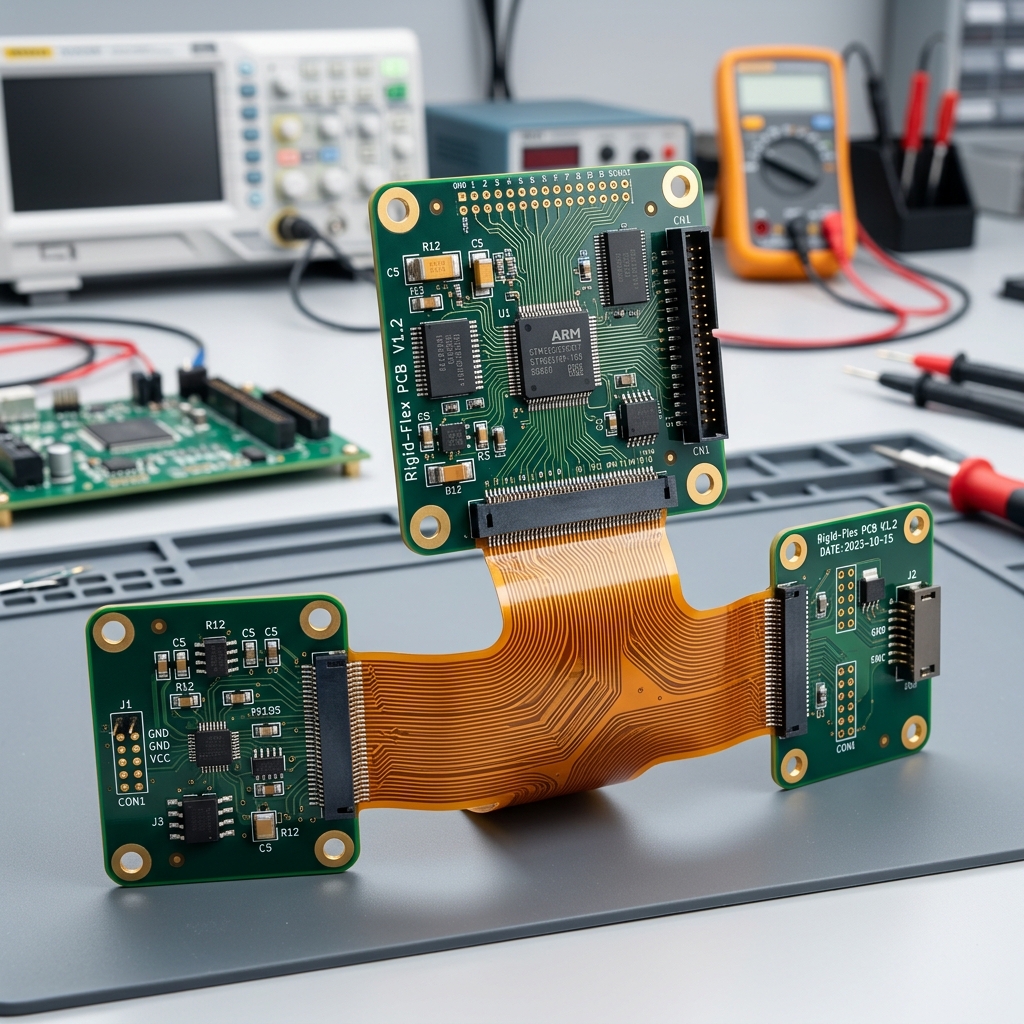
Light colors with strong contrast, especially green, make solder joints and traces easy to check. Dark masks hide defects and slow down both automated and manual inspection.
AOI and manual inspection
Automatic optical inspection relies on differences in brightness and color to find missing parts, bridges, and poor joints. Green gives the system a consistent background that most machines handle well. White can work just as well when the silkscreen and components are dark enough to create separation. Black and deep purple reduce that separation, so systems may need longer exposure, different lighting angles, or supplementary checks.
The same logic applies to a technician with a microscope. A board that must be probed, reworked, or diagnosed in the field is easier to handle in a light mask. If your product will be serviced rather than replaced, factor repair time into the color decision instead of optimizing only for the look on the shelf.
Silkscreen contrast rules
Match the legend to the mask. Light masks such as green, white, and yellow take black or dark blue silkscreen. Dark masks such as black, blue, and purple take white. Good contrast keeps reference designators readable during assembly and stops operators from placing the wrong part.
Keep text size and stroke width in line with the fabricator’s normal silkscreen process. A very fine legend on a dark mask can disappear after reflow even with white ink, because the surrounding mask absorbs light and reduces apparent sharpness. If identification is critical, add a small light panel under the text area rather than relying on contrast alone.
What do color, cost, and lead time look like in volume production?
Green is usually the cheapest and quickest because it runs most often. Standard colors cost similarly at volume. Truly custom colors add setup time and price.
Fabricators buy mask ink in batches. Green moves in the largest volume, so it is always on the shelf, and lines are set up for it continuously. Blue, red, black, white, purple, and yellow are still standard in most shops, and once a run is scheduled, the price difference is usually small. The gap shows up on prototypes and small batches, where ink changeover and cleaning time matter more than material cost.
Lead time follows the same pattern. A green board can often enter the queue immediately, while a less common shade may wait for the next scheduled changeover. If a program is tight on schedule, confirm current stock and queue position before committing the design. Ask for both prototype and production quotes, because a color that costs little at volume can still slow the first build.
The pcb price you are quoted also reflects how the board is panelized, how much copper it carries, and what inspection level is required. Color is one line in that total, rarely the largest one. Treat it as a scheduling and yield decision first and a cost decision second. When you compare suppliers, compare the same mask specification on both sides so the numbers mean the same thing.
For teams moving from a prototype into repeat builds, custom PCB manufacturing is where mask choice, panel layout, and inspection requirements get locked together. Settling those details early avoids a color change after tooling is already committed.
How do you choose the right color for your project?
Match the color to the job: green for learning and general work, white for light-emitting designs, dark tones for premium looks, and high-contrast options where safety checks matter.
Prototyping and general electronics
Start with green. It is available everywhere, it is the easiest to inspect, and it keeps the prototype focused on the circuit rather than the finish. A PCB circuit that works on green will work on any other mask, so there is no reason to pay for a special shade while the design is still changing. Move to another color only when the product need is clear.
LED and optoelectronics
Choose white when light output matters. The reflective surface returns more of the emitter’s light to the user instead of absorbing it in the board. Pair it with dark silkscreen, and plan for cleaner handling because marks show easily. If the design also runs hot, solve that with copper and thermal vias rather than expecting the mask to help.
Premium and brand-driven products
Black or deep purple can make a board look deliberate when the enclosure is open or the board is visible to the buyer. Accept that inspection and repair become harder. Compensate with stronger test coverage at the factory and clearer service documentation, so the styling choice does not become a support problem later.
Safety-critical and high-visibility equipment
Favor contrast over fashion. Green or yellow with a dark legend helps operators verify connections and spot damage quickly. In control cabinets and field equipment, the few seconds saved during a visual check matter more than a distinctive look. If a color is mandated for brand reasons, add labels or marked test points to keep verification fast.
FAQ
Why is green the most popular PCB color?
Green won on practical grounds rather than style. It offers strong contrast for both people and inspection machines, it was the first mask chemistry produced at a large scale, and it remains the most stocked shade at fabricators. That combination keeps it cheap and fast, which is why it still dominates general electronics and prototyping.
What silkscreen color works best on a dark solder mask?
White is the standard choice on black, blue, and dark purple masks because it creates the contrast needed to read part references during assembly. Keep the text reasonably large and check a sample panel before release, since fine lines can soften after reflow even with good ink.
Can I order a custom solder mask color for a prototype run?
Often yes, but expect a setup charge and a longer lead time than a standard shade. Ask the fabricator which colors they hold in stock and what minimum quantity applies to a custom mix. For early prototypes, a standard color usually gets the same circuit validated faster at lower cost.