Open almost any electronic device and you will find one or more flat boards covered in small parts. Phones, televisions, washing machines, car dashboards, and hospital monitors all depend on them, and every one of those boards began on a custom PCB manufacturing line. If you have ever tried to buy a board or simply wondered what it does, the vocabulary gets confusing fast: PCB, PCBA, motherboard, circuit board, and a shelf of three-letter standards.
A PCB, or printed circuit board, is a flat board made of an insulating material with thin copper paths formed on it. Those paths connect electronic components to each other so that a circuit works without a tangle of hand-soldered wires, and the board also holds every component in place. That is the whole idea: a PCB is the physical platform an electronic circuit is built on.
The rest of this guide takes that definition apart, piece by piece.
What is a PCB in simple terms?
A PCB is a board that carries a circuit. It does three things at once: it holds the components, connects them electrically, and makes those connections identical from one board to the next. Instead of wiring parts together by hand, the manufacturer builds the wiring into the board itself.
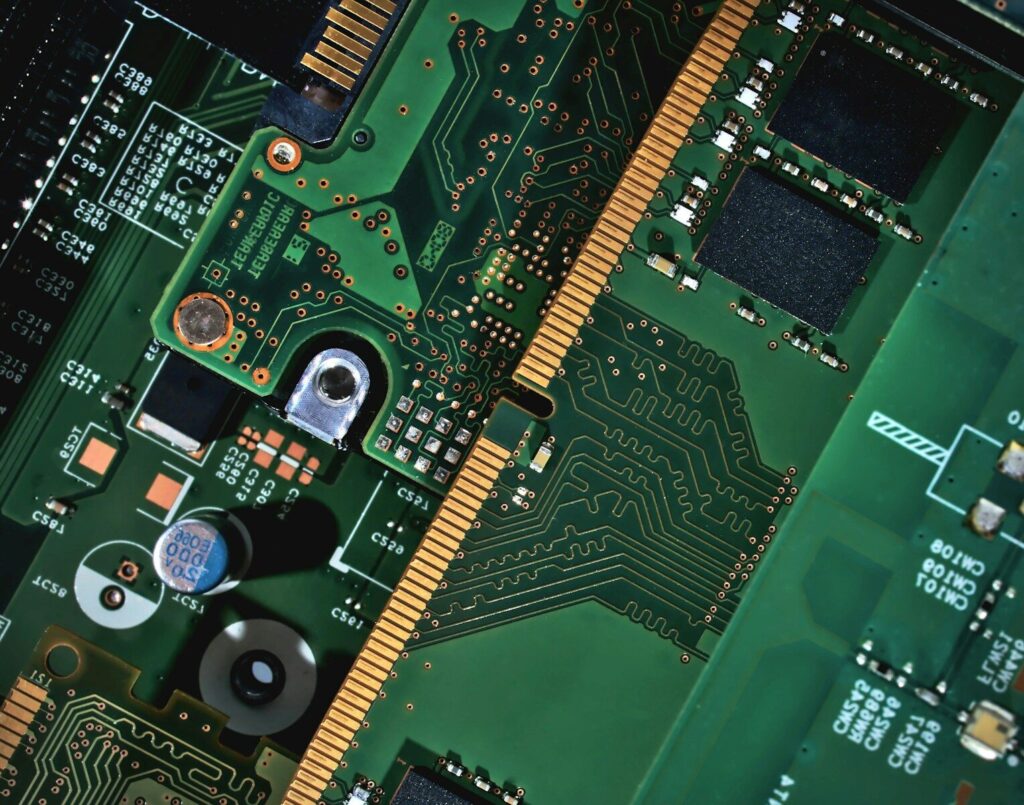
The easiest way to picture a board is as a city map. Components are the buildings. The copper paths, called traces, are the roads. Pads are the parking spaces where a part gets soldered down, and vias are lifts that carry a signal to another layer. Where a road runs and how wide it is decides how well the circuit behaves.
The word printed describes the method. Start with an insulating sheet covered in copper foil, then remove the copper you do not need. What is left is the wiring, already in place.
What does the acronym PCB stand for?
PCB stands for printed circuit board. Three similar terms turn up often enough to be worth separating:
- PCB—the bare board: substrate, copper traces, pads, and surface finish, with no components attached.
- PWB—printed wiring board. An older name for the same object, still used in some standards and older datasheets.
- PCBA—printed circuit board assembly. The PCB after components have been placed and soldered.
A board shop builds a PCB. An assembly house turns that PCB into a PCBA. Many suppliers in the PCB electronics supply chain do both, which is why the two words get used interchangeably even though they describe different stages.
What is inside a PCB?
A PCB is a stack of materials rather than a single substance. From top down you will usually find a printed legend, a colored protective coating, copper traces, and a rigid insulating core. The copper does the conducting, and the core keeps the board rigid and stops separate circuits from touching.
| Layer | What it is | What it does |
|---|---|---|
| Substrate | Rigid insulating sheet, most often FR4 (woven glass fiber bonded with epoxy resin) | Mechanical support and electrical insulation |
| Copper | Thin foil bonded to the substrate and etched into traces | Carries current and signals between components |
| Solder mask | Colored coating over the copper | Prevents solder bridges and keeps copper from oxidizing |
| Silkscreen | Printed text and markings | Labels components and shows orientation |
| Surface finish | Coating on the exposed pads, such as HASL or ENIG | Keeps pads solderable and resists oxidation |
Traces, pads, vias, and footprints
- Traces—the copper roads that carry signals and power.
- Pads—exposed copper where a component is soldered.
- Vias—small plated holes that connect traces on different layers.
- Footprints—the land pattern a component needs. It has to match the part’s datasheet, or the part will not sit properly.
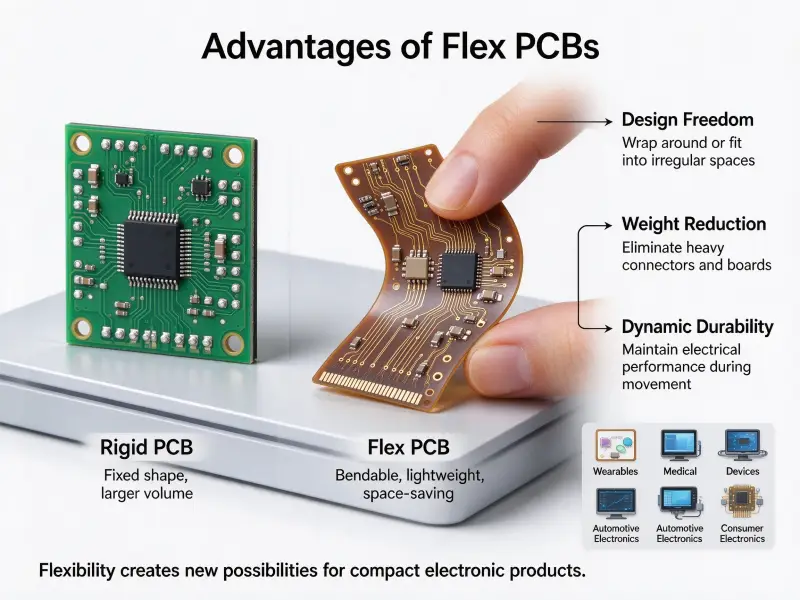
Rigid, flex, and rigid-flex boards
Not every board is a stiff rectangle. Three constructions cover most of what you will meet:
- Rigid PCB—the standard solid board built on FR4, and the cheapest option for most products.
- Flex PCB—built on a thin polymer film so it can bend and fold into tight spaces.
- Rigid-flex—a combination of the two. A rigid-flex PCB joins rigid sections with flexible ones, which removes connectors and cables at the cost of a more involved build.
Layer count is a separate question. A single-sided board has copper on one face, a double-sided board has copper on both, and a multilayer board sandwiches several copper layers inside the core. That is how modern devices fit so much routing and the whole PCB circuit into a small space.
What does a PCB do in a circuit?
A PCB does five jobs at once. It connects components, holds them in place, distributes power, helps move heat away from hot parts, and protects the circuit from dust, moisture, and stray contact. Hand wiring can manage the first of those, but not the other four at any useful scale.
- Interconnection. Traces replace individual wires, so hundreds of connections stay compact.
- Mechanical support. Components mount to a rigid surface instead of hanging off wire joints.
- Power distribution. Wider traces and copper planes feed current where it is needed.
- Thermal management. Copper spreads heat away, and metal-backed boards move it further.
- Protection. Solder mask, spacing, and coatings keep moisture, dust, and shorts out.
The reason hand wiring does not scale comes down to repeatability. A circuit built by hand is only as reliable as the person who soldered it. A printed board moves that variability into a controlled, measurable process.
How a PCB goes from design to finished board
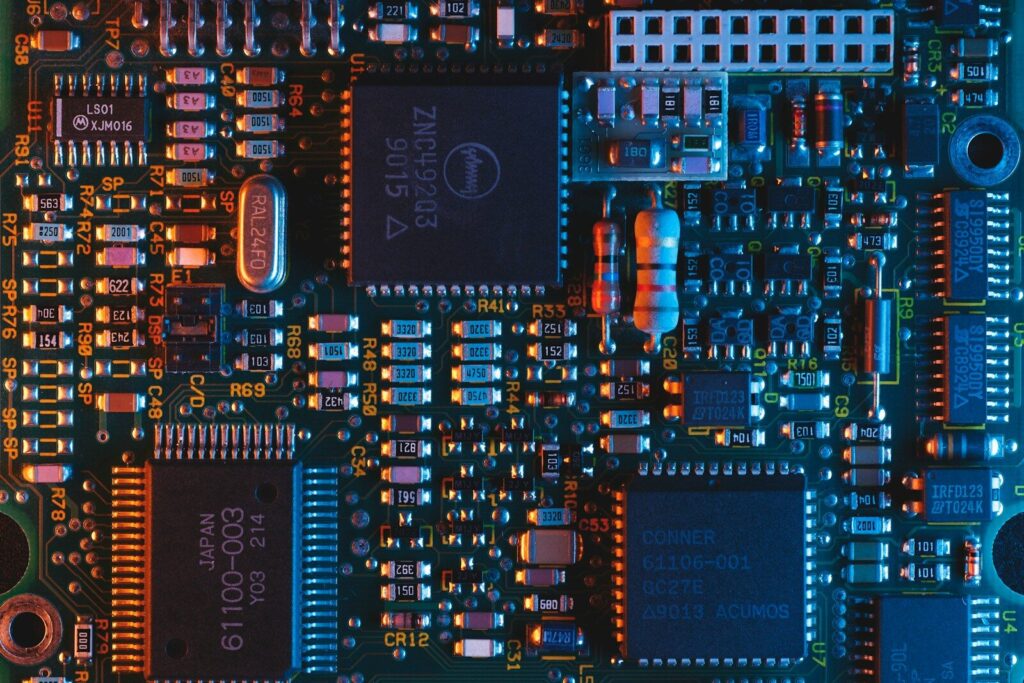
Three phases turn an idea into a working board: design, fabrication, and assembly. Design decides where the copper goes. Fabrication builds the bare board. Assembly solders the components on. Testing runs through all three.
PCB board design
PCB board design starts with a schematic, which shows what connects to what. The layout step turns that schematic into physical shapes: where each component sits, how the traces run, how many layers the board needs, and how thick each one is.
Layout follows design rules, and those rules come from two directions. The first is the fabricator’s capability sheet, which states the finest line width, smallest hole, and tightest spacing its process can hold. The second is the industry baseline. Most shops work to IPC-2221, the generic standard on printed board design, which sets starting points for conductor width, spacing, and board construction.
This is also where most of the PCB price is set. Here, you decide layer count, materials, and tolerances, and they drive costs more than anything later.
PCB manufacturing and assembly
Fabrication, the PCB manufacturing stage, turns the design files into a bare board. For a multilayer board the sequence runs roughly like this:
- Prepare and image the inner-layer cores.
- Etch the unwanted copper, then laminate the layers under heat and pressure.
- Drill and plate the holes so the layers connect.
- Image and etch the outer layers, then apply solder mask, silkscreen, and the surface finish.
- Test the bare board electrically.
Assembly then places the components. Two methods cover nearly all production:
| Method | How it works | Where it is used |
|---|---|---|
| Through-hole | Component leads pass through drilled holes and are soldered on the other side. | Connectors, heavy parts, and anything needing a strong joint |
| Surface mount | Components sit directly on pads, held by solder paste, and then reflowed. | The bulk of modern components, especially small ones |
Many boards use both. Through-hole suits parts that must survive mechanical stress; surface mount suits anything small. After assembly, common checks include automated optical inspection, in-circuit testing for continuity, X-ray for hidden solder joints, and a functional test that powers the board up.
Is a motherboard a PCB?
Yes, a motherboard is a PCB, but not every PCB is a motherboard. Motherboard describes a job rather than a material. It is the main board in a computer, the one everything else plugs into. A graphics card, an SSD, and a power supply board are also PCBs, and none of them is a motherboard.
| A general PCB | A motherboard | |
|---|---|---|
| What it is | Any board that connects and supports electronic components | One specific board that acts as a system’s central hub |
| Function | Whatever the product needs | Connects the processor, memory, storage, expansion cards, and peripherals |
| Layer count | One to dozens, depending on the product | Usually multilayer, because few boards have room for this much routing on two sides. |
| Examples | A motor controller, a sensor board, an LED driver | Desktop, laptop, and server mainboards |
A circuit board is a category; a motherboard is a role inside a system. Every motherboard is a circuit board, though a board can be far more demanding than a motherboard if it runs at high frequency or carries high current.
Why does PCB price vary so much?
There is no standard PCB price. Two boards of the same size can land at very different figures, because cost follows specification and quantity rather than area alone. No supplier can quote a board fairly until it knows the layer count, materials, tolerances, finish, testing needs, and volume.
| Cost driver | Why it moves the price |
|---|---|
| Layer count | Each added layer means more imaging, lamination, and drilling, and more chances for a defect. |
| Board size and panel use | Larger boards fit fewer per production panel, so more material is wasted. |
| Substrate and copper | FR4 is the baseline; high-frequency laminates and heavy copper cost more to process. |
| Feature size | Finer lines, tighter spacing, and microvias demand tighter process control and lower yields. |
| Via type | Blind and buried vias add laser drilling and extra lamination cycles. |
| Surface finish | HASL is the simplest option; ENIG and others add process steps. |
| Testing requirements | Electrical tests, impedance control, and extra inspection add time and handling. |
| Quantity | Setup is spread across the run, so unit price falls as volume rises. |
| Lead time | Compressed schedules carry a premium because the shop has to reshuffle its line. |
Most of these are fixed by the design, not by the shop. A fair comparison therefore needs identical inputs: the same stack-up, design files, quantity, material, finish, and tolerances. Change one and the quotes stop being comparable.
How to start learning about PCBs
Start with a board you already own, ideally one that no longer works. The PCB learning curve is mostly vocabulary and layout habits, and both come faster from a real board than from a textbook.
- Take apart something broken. Identify the components, read the silkscreen labels, and follow the power path inward.
- Read a schematic. Free tutorials cover the symbols, and moving between a schematic and a physical board is the most useful skill of all.
- Install a free design tool and rebuild a simple circuit.
- Copy a known-good design and change one thing. Understanding why the original was built that way is where the learning happens.
- Read a fabricator’s capability sheet early, then check the design against a DFM list. Manufacturability problems are cheap to fix on screen and expensive in copper.
Where PCBs are used
PCBs sit inside almost everything with a plug, a battery, or a switch. The board is rarely the part you notice, which is exactly the point.
Consumer electronics, automotive control units, industrial drives, medical monitors, telecom hardware, and LED lighting all rely on them, but they pull the design in different directions. Automotive and medical boards need reliability over long service lives, data center boards need signal integrity at very high speeds, and lighting boards need thermal performance.
FAQ
Why are most PCBs green?
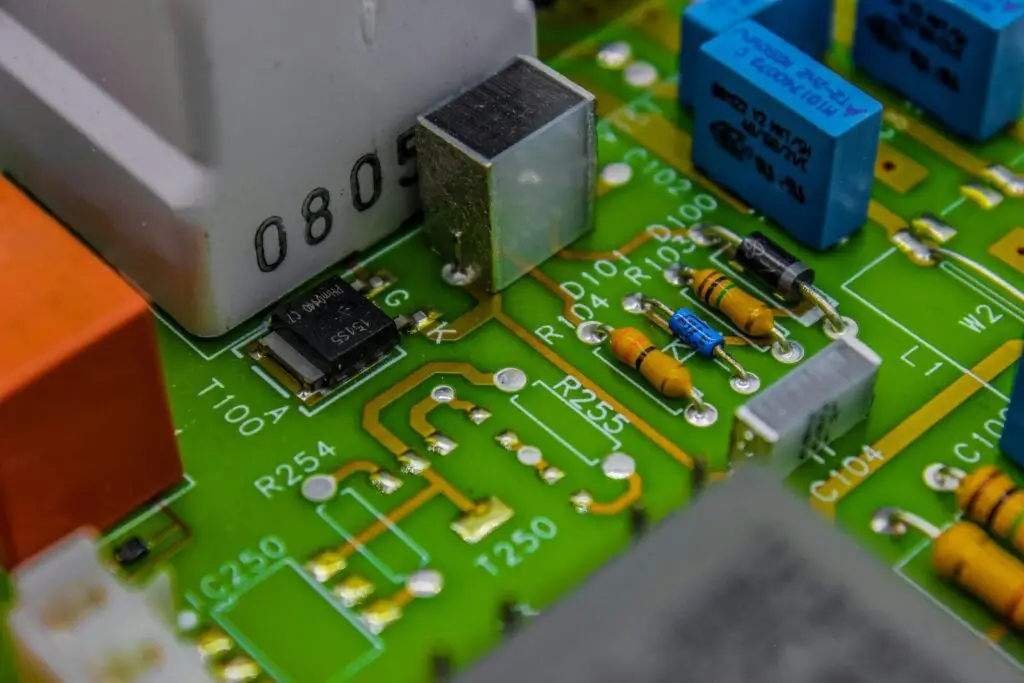
The color comes from the solder mask, and green became the default for practical reasons. It gives good contrast for inspection, under both human eyes and machine vision, and it has long been the cheapest option. Boards are also made in blue, black, red, white, and matte finishes. Color is cosmetic and does not change performance.
Can you design a PCB for free?
The design software can be free, and free tiers are usually enough for simple boards. Fabrication and assembly are where the real cost sits, and neither is free. Free tiers often limit board size, layer count, or project count, so you either pay for the tool or switch once a design outgrows them.
How long does it take to manufacture a PCB?
It depends on the board, not the calendar. Layer count, material availability, surface finish, and the testing routine set the timeline, and assembly adds component lead times on top, which are often the longest part of the wait. The reliable way to get a date is to ask for one with the quote.