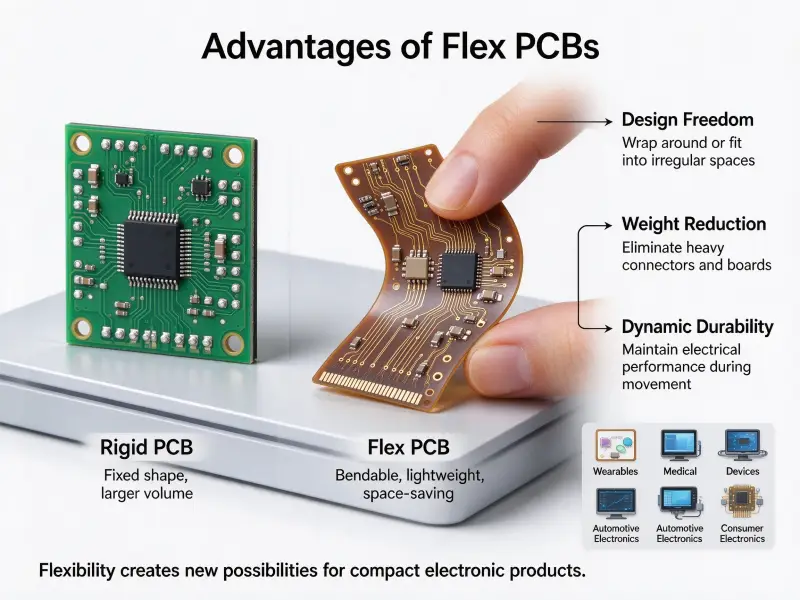
Search for circuit board images and you get thousands of green boards under studio lighting, all shot from the same angle with the same shallow depth of field. They work as backgrounds. They tell you almost nothing about the PCB board materials under the mask, the layer count, or whether the board in the frame was ever manufactured.
A circuit board image is any visual record of a board, and it comes in distinct types: photographs of a bare or populated board, macro close-ups, layout or Gerber layer views, 3D renders, stack-up illustrations, and inspection images such as X-ray or AOI output. Each type answers a different question, and none of them replaces fabrication data.
This guide covers what each image type actually shows, how to read a board photo in a fixed order, and what to send a manufacturer when a picture is not enough.
What kinds of circuit board images exist?
Circuit board images fall into roughly ten practical categories, from a phone snapshot of a finished assembly to machine-generated inspection output. Naming the category first tells you what the image can legitimately be used for.
| Image type | What it shows | Typical use | Main limitation |
|---|---|---|---|
| Bare board photo | Substrate, mask, silkscreen, finish, drilled holes | Appearance checks, first-article sign-off | No components, no inner layers |
| Populated assembly photo | Component placement, orientation, visible joints | Assembly records, customer approval | Nothing beneath the components |
| Macro close-up | Individual joints, pad finish, trace edges | Defect review, operator training | Narrow field of view |
| Layout or Gerber layer view | One copper, mask or silkscreen layer in isolation | Design review, fabrication checks | Not a picture of a real board |
| 3D CAD render | Mechanical fit, connector height, enclosure clearance | Pre-production review, marketing | Shows the design, not the build |
| Stack-up illustration | Layer order, dielectric thickness, via types | Specification discussions | Generic drawing, not your board |
| X-ray image | Hidden joints, voiding, plated barrels | Inspecting BGA and bottom-terminated parts | Needs trained interpretation |
| AOI image | Surface defects: bridging, offset, missing parts | Volume inspection | Visible surface only |
| Thermal image | Hot spots under load | Design validation | Shows temperature, not workmanship |
| Schematic drawing | Logical connections and component values | Design and troubleshooting | No physical layout |
The useful split is between images of a physical board and images of a design. A photo is evidence that something was built. A render is evidence that something was drawn. Buyers mix the two constantly, which is how a marketing render ends up being treated as proof of manufacturing capability.
What you can actually see in a circuit board image
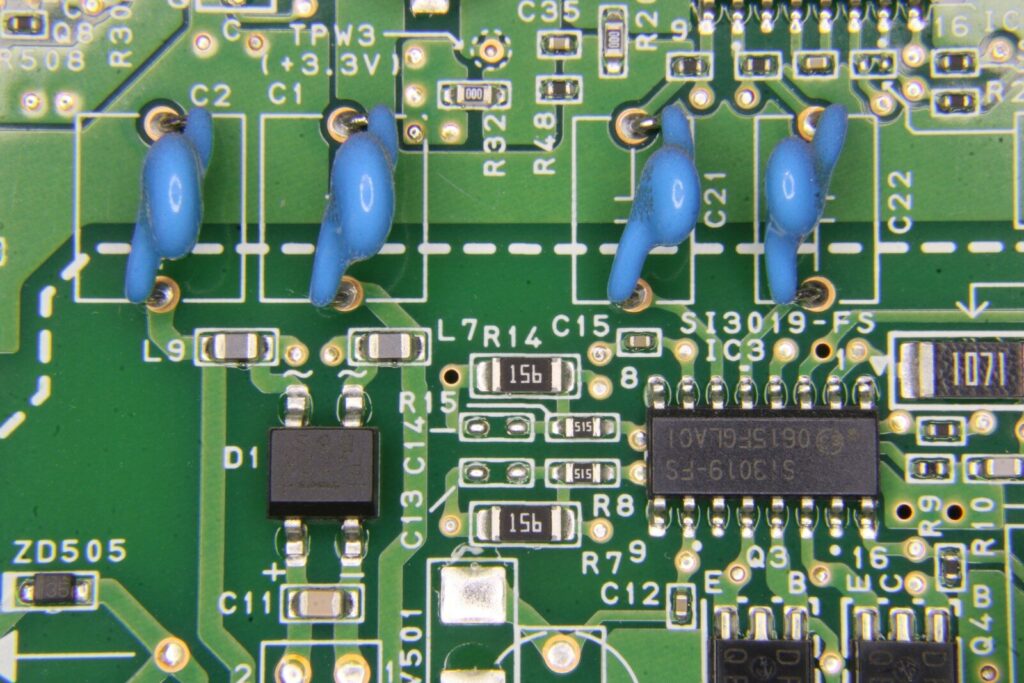
A sharp, evenly lit image confirms six things: traces, pads and vias, solder mask, silkscreen, surface finish, and component reference designators. Everything beyond that needs magnification, a different imaging method, or a measurement.
Traces, pads, and vias
Copper routing shows up as lines under a translucent mask. Wider lines usually carry power and ground, narrow ones carry signals, and the gaps between them set the process capability the board was built to. Pads are the exposed copper where a component is soldered, and vias are the small plated holes connecting one layer to another. Tented vias, covered by mask, appear as faint circles rather than open holes.
Solder mask and why most boards are green
Solder mask is a polymer coating laid over the copper and opened only at pads, holes, and test points. It keeps solder from bridging between adjacent pads, blocks oxidation, and insulates traces that sit close together. Green became the default because it was the first color produced at scale and because it separates copper, tin, and white legend clearly enough for both human eyes and machine vision.
Other colors behave the same way chemically. Dark masks look sharper in photographs but cut the contrast a technician needs when inspecting or reworking a joint, and a white legend on a white mask is close to unreadable. Mask color is a styling decision, not an engineering one, though it does change how hard a board is to inspect by eye.
Silkscreen and reference designators
The white legend layer carries designators such as R1, C4 and U2, along with polarity marks, pin-one indicators, connector names, board revision and logos. It is applied by screen printing, liquid photo imaging or inkjet, and character heights around 0.8 mm sit at the limit of what most processes hold cleanly. If a photo shows legend running over pads or letters bleeding into each other, that is a process limit showing up in the image.
Surface finish and edge connectors
Exposed pads carry a finish. Hot-air solder leveling leaves an uneven silver surface, ENIG leaves flat gold and is common on fine-pitch parts, and OSP is a thin organic layer over bare copper that is nearly invisible in a photo. Gold fingers along a board edge are the clearest sign of a card that plugs into a slot. Finish affects shelf life and solderability, so it is worth identifying before comparing two quotes at face value.
How to read a circuit board image, step by step
Read every board image in the same order: board type and process first, then routing, then markings, then defects. A fixed sequence keeps cosmetic differences from being mistaken for quality problems.
- Identify the board type. Single-sided, double-sided or multilayer is often visible at the board outline, where pressed layers show as a thin edge. Note whether it is rigid, flex or metal-core.
- Check the mask and surface finish. Look for bubbles, slivers of mask sitting on pads, or finish that has already oxidised.
- Follow the routing. Note trace width, how consistent the spacing is, and whether large copper pours cover unused areas.
- Read the silkscreen. Designators, polarity marks, revision code, and any text that is missing or illegible.
- Compare components to their pads. Package size, alignment, orientation, and any part that looks oversized for its footprint.
- Hunt for defects. Solder bridges, tombstoned parts, stray solder balls, discolouration, blistered or lifted mask, cracked joints.
Judgement criteria matter as much as the sequence. The electronics industry works from an illustrated acceptance standard, IPC-A-610J, which defines acceptable, process-indicator and defect conditions through photographs and drawings, applied differently across three product classes. When someone calls a joint unacceptable in a photo, that standard is usually the reference behind the call. Two people can study the same image and reach opposite conclusions, which is the exact problem illustrated criteria exist to solve.
Why the same board looks different in every image
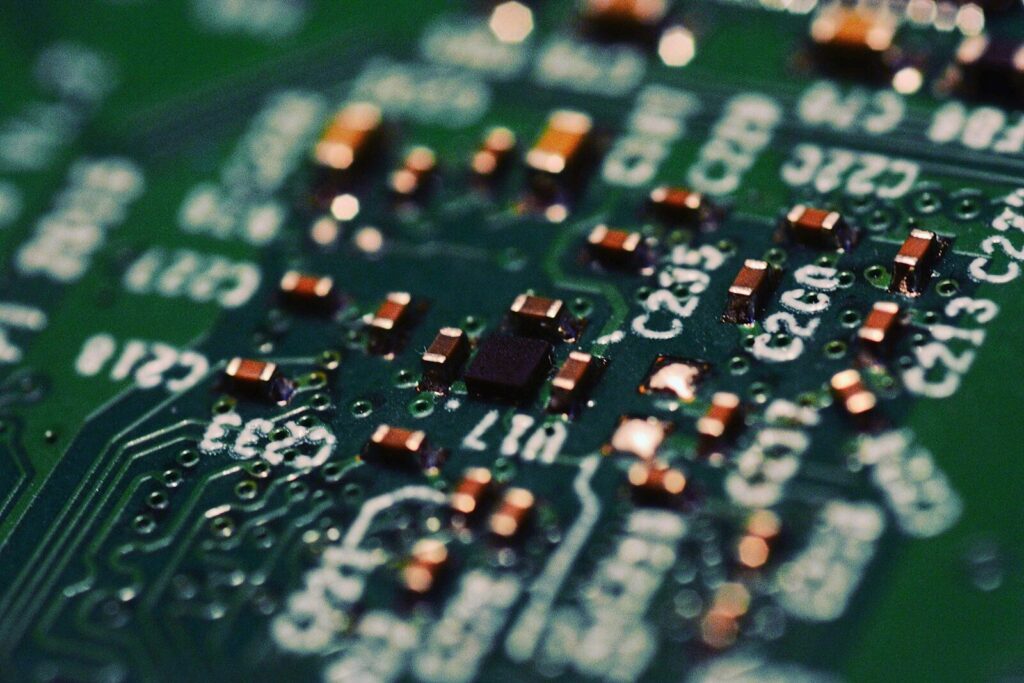
Lighting, angle, magnification, sensor and post-processing change how a board looks far more than any manufacturing difference does. Two photographs of the same panel can read as two different quality levels.
| Variable | Effect on the image | What it can mislead you about |
|---|---|---|
| Direct flash | Blown highlights on solder and gold | Makes joints look shinier or washed out |
| Oblique angle | Hides pad outlines, exaggerates component height | Placement and coplanarity |
| Higher magnification | Reveals joint texture and surface defects | Makes an acceptable joint look rough |
| Gloss versus matte mask | More or fewer reflections | Glare read as a poor finish |
| Idealised stock asset | Clean lighting, sometimes composited | Capability, when no real board exists |
Image libraries make this worse. Plenty of files tagged as circuit boards are labelled as illustrations or computer-generated images rather than photographs, and the geometry often looks too tidy for a real layout: evenly spaced traces, perfect symmetry, no drill marks, no tooling strips. If you need a picture of what your board actually looks like, shoot your own.
What a circuit board image cannot show you
An image covers the surface only. Inner-layer registration, hidden joints, voiding, material grade, impedance behaviour and every electrical measurement are invisible to a camera.
Specifically, a photograph cannot tell you:
- whether internal layers are registered correctly
- how well a joint under a BGA, QFN or other bottom-terminated package formed
- whether voids inside a joint exceed the acceptance limit
- copper weight, dielectric thickness, glass transition temperature or flame rating
- continuity, resistance, insulation, and functional behavior
Visual inspection sits in a wider test chain. Automated optical inspection catches surface defects at line speed, X-ray reaches joints a camera cannot see, cross-sectioning confirms internal structure, and electrical tests prove connectivity. Each method catches what the others miss, and a photo is the cheapest and weakest link in that chain. The electrical side gets its own treatment in how to test PCB.
Circuit board images in sourcing and quoting
A manufacturer needs files, not pictures. Gerber or ODB++ data, a drill file, a stack-up drawing, and a written specification can be quoted and built. A JPG can usually only be estimated.
What to send instead of a picture
- Fabrication data: extended Gerber (RS-274X), ODB++, or a unified IPC-2581 package.
- NC drill file, with the tool list attached.
- Stack-up: layer count, dielectric thickness, copper weight per layer.
- Overall board thickness and base material.
- Solder mask and silkscreen colors.
- Surface finish: HASL, lead-free HASL, ENIG, or OSP.
- Commercial requirements: quantity, panel size, acceptance class, tolerances, delivery date.
A photo alone supports a rough estimate on a simple single-sided or double-sided board. On a four-layer or eight-layer design it does not, because layer count, copper weight, and stack-up drive both cost and lead time, and none of those can be read off a picture.
Where pictures still help
| What you send | What it resolves |
|---|---|
| Assembly drawing or 3D render | Mechanical clearance, connector orientation, fit inside an enclosure |
| First-article photographs | Sign-off on appearance before volume production |
| AOI and X-ray images | Inspection evidence, batch traceability, dispute resolution |
| Packing and label photos | Shipment records and receiving checks |
Used that way, images support a build that the fabrication data defines. They do not define it.
Finding and licensing circuit board images
Three sources cover most needs: images you shoot yourself, licensed stock, and public-domain files. The license terms, not the price, decide whether commercial use is allowed.
- Royalty-free stock: paid once or through a subscription. Commercial use is normally permitted, attribution is often optional, and reselling the file itself is not allowed.
- Rights-managed stock: licensed by use, media, territory, or duration. More control, higher cost, and tighter limits on where the image can appear.
- Public domain or CC0: no restrictions and no attribution required, though quality and provenance vary widely.
Two traps are common. Never move a photograph of a customer’s board into your own marketing material without written permission, even if you manufactured it. And do not treat a free download as unlimited commercial use; the license page attached to that download is the only thing that governs it.
Shooting a board photo that is actually useful
- Light from two sides with diffused sources, or bounce light off a white card. Direct flash destroys solder detail.
- Keep the camera perpendicular to the board. Tilted shots hide pad outlines.
- Use macro or close focus for joints and a normal view for layout.
- Include a scale or a known component so viewers can judge size.
- Use one consistent background, and keep the original file rather than a compressed copy.
- Shoot the bare board and the assembled board separately. They answer different questions.
FAQ
Can you identify a component from a circuit board image alone?
Sometimes, and less often than people assume. Package shape, pin count, silkscreen designators, and readable markings narrow it down, and a large electrolytic capacitor or a connector is usually obvious. Values and exact part numbers often are not: small resistors and capacitors carry no marking at all, and laser-etched codes on ICs are frequently unreadable in a photograph. For anything that affects a purchase or a repair, work from the schematic and bill of materials.
Are circuit board images free to use commercially?
It depends on the license, not on whether the download was free. Public-domain and CC0 files carry no restrictions. Free tiers from stock libraries usually restrict commercial use or cap the number of downloads, and a file without a watermark is still copyrighted. If the board in the picture is someone else’s design, permission for the board is a separate question from the image license.
How can you tell a good board from a bad one in a photo?
Look for the visible failure modes first: solder bridges, tombstoned components, stray solder balls, misaligned parts, discolored traces, blistered or lifted masks, and silkscreen running over pads. Then remember the limits. A photo cannot confirm inner-layer registration or joint voiding, so treat it as a first screen rather than a verdict. Judge against the acceptance class written into the order, because a condition that passes on a consumer product can be a defect on a board built for automotive or medical use.