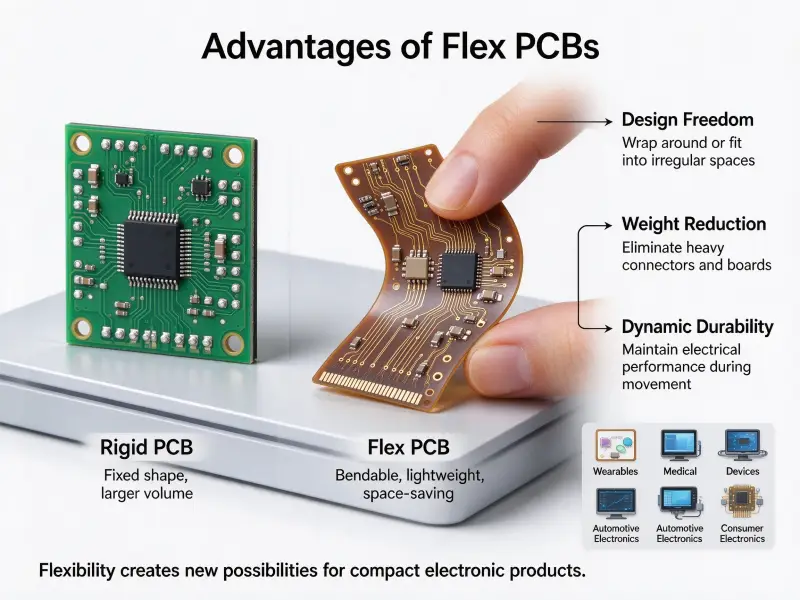
Additive manufacturing has been part of electronics work for years, but people use the same four words to describe two different jobs. One is printing the board that carries the circuit. The other is printing the plastic around a board made the usual way. Buyers searching for a 3D-printed circuit board usually need the second job first. Production boards still come from the standard route of imaging, etching, and assembly, which is covered in this How to Make PCB walkthrough.
A printed circuit board (PCB) that comes off a 3D printer is a board whose conductive traces are deposited layer by layer instead of etched from copper foil. The honest answer to “Can I print my PCB?” is yes for single-layer, low-current work and no for high-current, fine-pitch, or long-life production, because printed conductors carry more resistance than copper, printed substrates tolerate less heat, and a flat multilayer board still costs less the conventional way. Printing wins when geometry has value: a circuit curving around a housing, a sensor printed onto a part, or a working board the same afternoon.
The rest of this guide separates what printing can do to a board from what it can do around one.
What a 3D printed circuit board is and what it is not
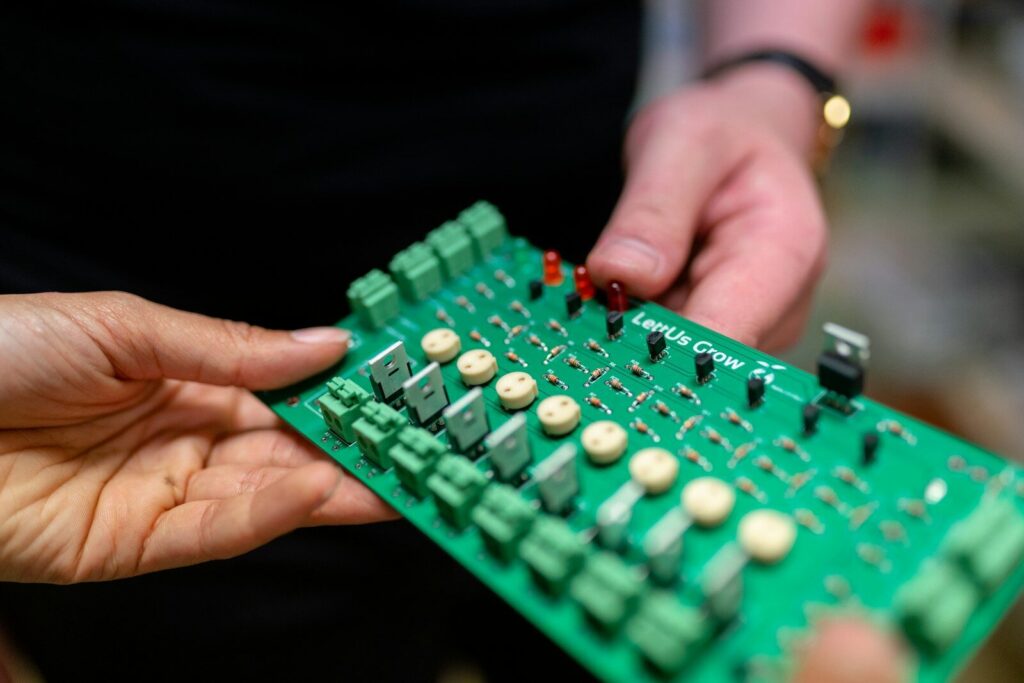
A 3D printed circuit board is a circuit built by adding conductive material where the traces belong, usually onto a printed polymer or structural part. Traditional boards start with copper foil bonded to a laminate and remove most of it. Printed boards start with nothing and add only what the design needs.
Layer-by-layer deposition compared with copper etching
Conventional fabrication is subtractive: copper is bonded to the substrate, masked, and everything unprotected is etched away, which is why the process scales and why thickness, impedance, and solderability are well documented. Additive places ink, filament, or foil only where the design needs it, so waste drops and non-planar shapes become possible. The cost is electrical, because conductors are thinner, edges softer, and the dielectric constant and loss of a printed polymer are often less deeply characterised than a laminate. Circuit board design therefore starts with a question conventional layouts never ask, which is what the conductor will measure once printed and cured.
Printed boards suit single-layer interconnect, conformal traces, printed sensors and antennas, and conductors embedded inside a structural part. They do not handle high-current distribution, fine-pitch package breakout, controlled impedance above a few hundred megahertz, or service life measured in decades.
Four ways to make one, and which fits your board
The four routes differ in the minimum feature size they hold, the conductor they leave behind, and how much work stays in your own lab. Material extrusion is the cheapest and coarsest, resin printing sits between, ink jetting prints the finest features, and copper tape is manual work that never involves a printer’s conductor system.
| Method | Typical minimum trace width | Conductive medium | Where it fits |
|---|---|---|---|
| Material extrusion | 0.5 mm | Conductive filament | Teaching, mechanism prototypes, large single-layer boards |
| Resin printing | 0.1 mm | Conductive resin | Small boards with tighter geometry |
| Ink jetting and aerosol jetting | 0.05 mm | Silver or copper nanoparticle ink | Dense multilayer work, conformal circuits |
| Copper tape on a printed body | Hand-cut, about 1 mm in practice | Copper foil tape | Quick validation, classroom work, rework |
Widths follow published additive-electronics process guides and assume a tuned machine.
Conductive filament and material extrusion
Conductive filament is a polymer loaded with carbon black or graphene, the least conductive option here, so its traces suit LEDs, switches, and simple sensors rather than signal integrity work. A dual-extruder machine lays insulating and conductive material in one job, and that access is the real advantage: a board leaves the bed with substrate and traces in place.
Ink jetting and aerosol deposition: what the machine decides
This is the category people mean by a 3D printed circuit board machine, and the machine specification matters more than the geometry. Material jetting deposits silver or copper nanoparticle ink droplets by droplet, cures or sinters it, then prints a dielectric layer and repeats, which is how multilayer boards and paste-filled vias become possible. Three properties set the ceiling: achievable layer thickness and registration, the curing method, since ink conductivity depends on how well the particles fuse, and the materials supported. Vias are paste-filled rather than plated, so a printed via adds more resistance than a plated one.
Copper tape over printed channels
The 3D-printed circuit board copper tape method skips conductive printing entirely. The printer makes a body with recessed channels in the trace pattern, tape is laid over the surface and trimmed to the channel outlines, and a printed guide holds it while it is cut. Conductive adhesive tape connects overlapping strips without soldering but carries little current, and non-conductive tape conducts only on the copper face, so joints must be soldered or folded face to face. Most production projects land in hybrid territory instead, printing a structural part with pockets and bosses for a fabricated board.
Printed circuit board material choices for additive processes
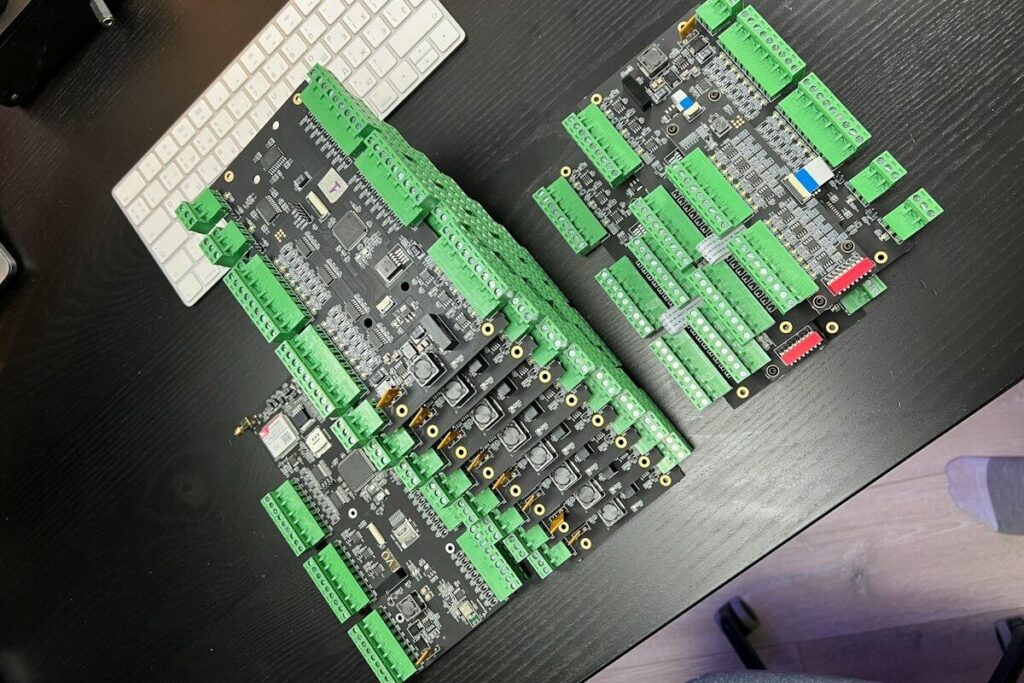
Printed circuit board material selection is a thermal decision before it is an electrical one. Check the substrate’s glass transition temperature against every temperature the assembly will see, then choose a conductor whose resistance the circuit can live with.
| Substrate | Heat behavior | Notes |
|---|---|---|
| PLA | Softens near 60°C | Easy to print, unsuitable for warm enclosures |
| PETG | Softens near 80°C | Tougher than PLA, similar ceiling |
| ABS | Softens near 100°C | Better for enclosures, harder to print cleanly |
| Photopolymer resin | Varies by formulation | Check the heat deflection temperature. |
| Ceramic-filled composites | Highest of the printable group | Hard on nozzles, higher cost per part |
Conductors trade conductivity against effort: filament is easiest to print and least conductive, resin buys finer features, silver nanoparticle ink gives the lowest printed resistance once sintered, and copper foil tape delivers bulk copper conductivity by hand.
Soldering sets the practical limit: lead-free solder melts near 217 to 220 °C and reflow profiles run to roughly 245 to 250 °C, far above the softening point of most printed polymers, so printed boards are assembled with low-temperature solder or conductive adhesive.
Design rules that decide whether the printed board works
Set the trace width from the current and the conductor’s sheet resistance rather than from habit, and assume every via costs more resistance than it would on a plated board.
Trace width, spacing, and current capacity
Printed conductors carry several times the resistance of a copper trace of the same size, and the gap widens as the trace narrows. A width that runs cool at 100 mA can warm noticeably at 1 A, and the heat has nowhere to go because the polymer beneath insulates instead of spreading it. Measure sheet resistance first, size traces from a conventional current chart, derate for the weaker thermal path, and keep high-current runs short. Spacing floors close to the minimum trace width, so a printed board cannot break out a fine-pitch package.
From printed circuit board 3D model to manufacturing data
Two file types do two different jobs, and mixing them up wastes a print. The printed circuit board 3D model carries physical geometry: board outline, connector cut-outs, standoffs, component heights, and clearance for the housing, and that is what a 3D printer printed circuit board workflow slices. Gerber and drill files still describe the copper layers and remain the language of fabrication houses. Design tools export the outline and component heights for fit checks, which is how a team confirms an enclosure will close before printing.
Vias, layer registration, and the assembly interface
Printed vias are formed by filling a hole or printed gap with conductive paste, and that interface between paste and printed trace is the least reliable joint on the board. Registration error between layers stacks on top of paste resistance, so multilayer printed boards need generous via sizes. Assembly is where printed and conventional boards diverge most: placement equipment wants flat panels with known fiducials, reflow wants a thermal window the substrate may not have, and repair wants access a printed stack rarely allows. Those constraints are set out in this PCB Assembly Design Guide.
Enclosures, holders, and mounts: where 3D printing already wins
Printing pays off fastest around a board rather than on it. A 3D-printed circuit board enclosure, a 3D-printed circuit board holder for test fixtures, and a 3D-printed circuit board mount sized to an existing rail or panel remove tooling, brackets, and lead time while the circuit keeps proven copper.
A 3D-printed circuit board enclosure
Enclosure design starts at the mounting interface: bosses sized to the screw and its insert, clearance for every connector, and enough wall around each boss that tightening the screw does not split it. Print orientation decides whether those bosses survive, because layer adhesion is weakest between layers. Ventilation belongs where the warmest components sit, and shielding with copper tape needs a defined grounding point.
A 3D-printed circuit board holder and a 3D-printed circuit board mount
Holders are usually fixtures: programming jigs, test stands, or bench holders that keep a board steady while probes touch it, so locating pins, spring clearance, and cable strain relief do most of the work.
Mounts fail mechanically. Screw bosses need material around them, standoffs need height tolerance for printed shrinkage, and cantilevered sections should be oriented so the load does not pull layers apart. Before printing, confirm every connector stays reachable once the board is installed.
Limits, cost, and standards
Printed boards lose on resistance, thermal headroom, and qualification evidence, and they win on cost only when geometry or iteration speed carries value; a flat board cannot. Anything regulated should expect a material and process qualification exercise before production.
Where printed boards fall short
Conductor resistance limits current and adds voltage drop, substrate softening limits soldering and operating temperature, adhesion under thermal cycling lifts traces, paste-filled vias and layer registration cut long-term reliability, and rework is difficult once conductors are embedded.
Cost drivers, not price lists
Traditional fabrication spends money up front on tooling and programming, then makes boards cheaply at volume. Additive production spends little on setup but a great deal per part, because noble-metal inks and slow build rates dominate the cost. The crossover point depends on quantity, geometry complexity, expected iterations, and whether the part would need machining anyway. A flat multilayer board in the thousands is cheaper the conventional way, and a single conformal board needed this week is cheaper printed.
Standards and qualifications
Printed electronics now sits inside a formal standards framework. The IEC 62899 series under IEC technical committee 119 covers printed electronics, and its printability part was reissued in 2025, defining how substrates, conductive inks and printed patterns are measured for quality and reproducibility. Those standards address materials and printed patterns, not finished board acceptability, and conventional boards inherit decades of design and acceptability standards published by IPC, so a printed board in a regulated product usually needs its own qualification file.
When to use additive, and when printed circuit board manufacturers still win
Use additive when the geometry is the product: conformal sensing, conductors inside a structural part, or a fixture needed within a day. Use established printed circuit board manufacturers when the board is flat, multilayer, current-carrying, or has to survive audits and long service.
| Requirement | Additive electronics | Conventional fabrication |
|---|---|---|
| Flat multilayer board | Possible but expensive | Clear choice |
| Curved or conformal circuit | Clear choice | Needs separate interconnect |
| More than a few amps | Needs a plan | Standard practice |
| Controlled impedance | Case by case | Well characterized |
| Part count reduction | Strong | Not applicable |
| Proven long-life service | Unproven for most stacks | Extensive evidence |
| One-off fixture | Fast and cheap | Slow and tooling-bound |
Most projects use both, with the circuit on a fabricated board and the printed part doing mechanical work that used to need brackets and adapters, which is why printed circuit board assembly cost and lead time belong to a finished layout.
FAQ
Can a 3D printer place components inside a circuit board?
Yes, within limits. Pockets can be printed into the board body so a component sits recessed rather than on the surface, and printing resumes over it. The component has to survive the print temperature and the later cure, and embedded parts are hard to replace, so this suits assemblies expected to fail as a unit.
STL or Gerber, which one does the printer need?
Both, for different stages. An STL or similar mesh carries the physical shape of the board body, including channels, pockets, and mounting features. Gerber and drill data carry the copper layers and are what a fabrication house needs for an etched board. When conductors are printed rather than etched, the trace pattern usually travels as vector geometry generated from the design file.
Do printed boards need coating or shielding after printing?
Two separate needs. A conformal coating protects printed conductors from moisture, oxidation, and handling, and it is close to mandatory for anything leaving a lab. Shielding matters only when the board sits near a noise source or emits interference, and lining a 3D-printed circuit board enclosure with copper tape bonded to a grounding point is the usual low-cost route.